

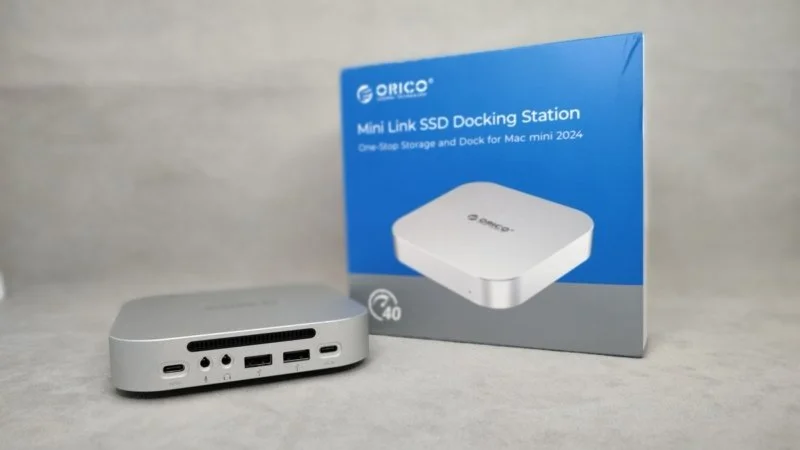
The ORICO MiniLink M45P is a top-tier docking station for Mac mini M4/4 Pro. It comes with extra ports and an m.2 drive slot. You can place it above or below your mini PC, so it doesn’t take up extra space. While it’s designed for the Mac mini, it’s not limited to just that. You can connect it to a Mac, a Windows PC or laptop, or even an Android tablet or phone.
Discount Code: ORICOK5MINI
Discount: $5 USD
Valid Period: May 6, 2026 (00:10) – June 30, 2026 (23:59)
Buy ORICO MiniLink M45P
Use cases
I’ll highlight 4 main use cases for the ORICO MiniLink M45P:
- Mac mini.
- Windows PC and laptop.
- TV.
- Android phone and tablet.
I don’t have a Mac mini, but it looks like a great combo in the ads. The docking station attaches above or below the mini PC. It doesn’t take up any extra space. This setup looks really seamless. At first glance, I thought the Mac mini and Orico dock were one device.
I can test the other use cases. Here’s my quick take on each one:
- Windows PC – super convenient. My main PC is under my desk, so reaching the back ports is a pain. The Baseus 8-in-1 hub helps with most of my connection needs. With the ORICO MiniLink, I get similar features. I only use USB ports 99% of the time. But the ORICO only has two USB 2.0 ports, while the Baseus has three USB 3.0 ports. On the plus side, it has separate ports for headphones and a microphone. Plus, there’s a slot for an SSD.
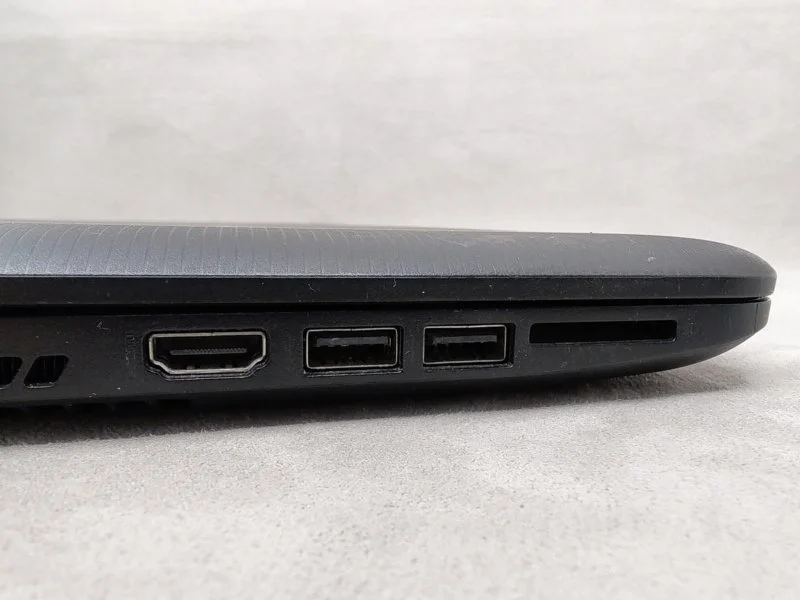
- Windows laptop – handy. I don’t use my laptop often, but three USB ports are often not enough. Two USB ports are right next to each other. They’re only good for cables. If you plug in a USB flash drive, you can’t use the second port. With the ORICO MiniLink, you won’t run out of USB ports. You can also add more storage with an SSD.
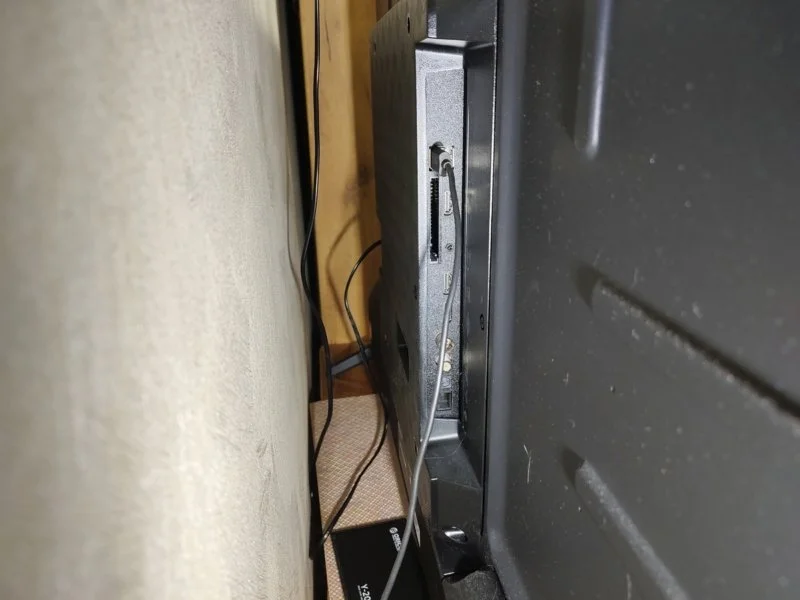
- TV – convenient. The ports behind my TV are easy to reach. But it’s annoying to plug in headphones or flash drives every time. The ORICO MiniLink solves this. You can connect external drives, headphones, and a microphone. However, for storage only, regular USB hubs are better. They’re cheaper, at least.
- Android phone and tablet. It’s a questionable solution for phones. Only if you need to transfer data to or from the internal storage. For tablets, the ORICO MiniLink is a better fit. Especially for models with 10+ inch screens. The docking station works as temporary or permanent data storage. You can also connect peripherals like a mouse and keyboard. This creates a handy, compact “station” for video, text, and internet. But this setup will only appeal to a small number of users.
Features – what can the docking station do?
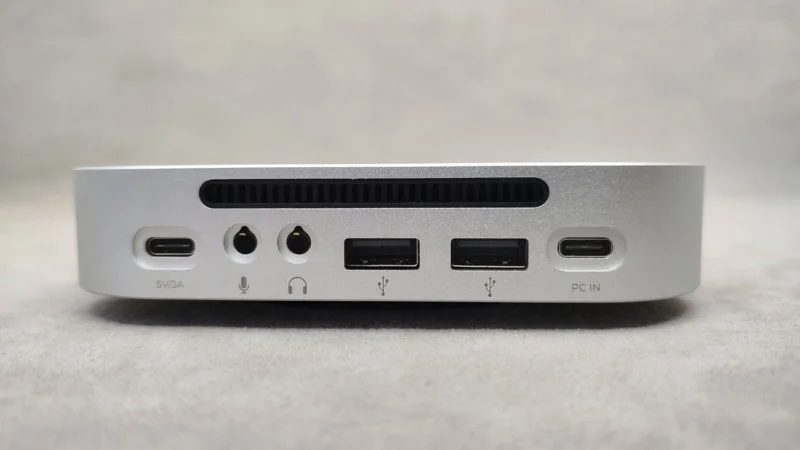
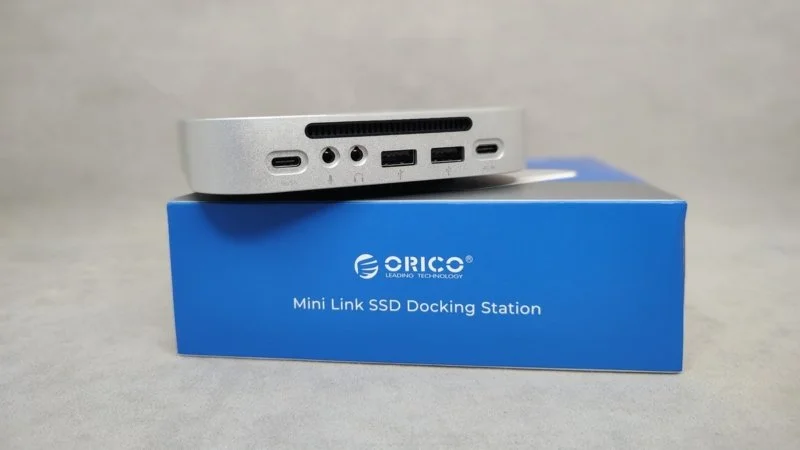
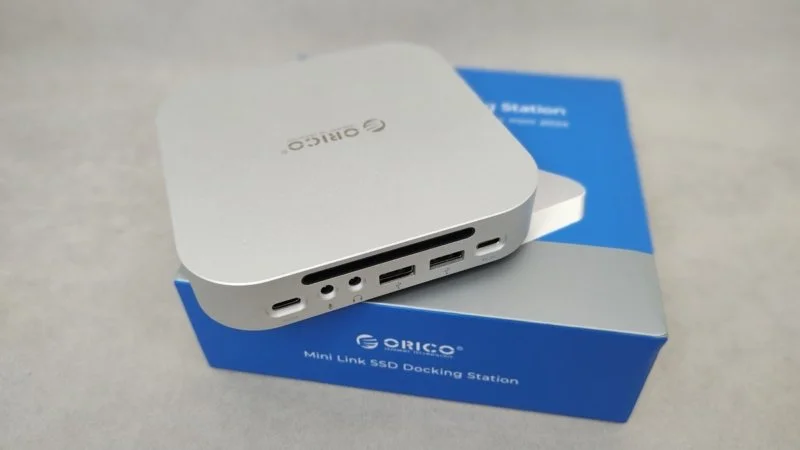
ORICO MiniLink comes in a few versions with different specs:
- MiniLink M45P has 5 ports: one m.2 SSD slot, two USB-A 2.0 ports, and two 3.5mm TRS jacks. It needs 3A/5V power.
- MiniLink M49M has 7 ports: two m.2 SSD slots, three USB-A 3.2 ports, and a TF/SD card reader (version 4.0). It needs 12V power and has an on/off button.
- MiniLink M49P has 9 ports: one m.2 SSD slot, two USB-A 3.2 ports, two 3.5mm TRS jacks, two USB-A 2.0 ports, and a TF/SD card reader (version 3.0). It needs 12V power and has an on/off button.
- There’s also a larger MiniTower version that connects two 3.5-inch HDDs. And the Minimate – it’s a MiniLink form factor, but only for data transfer with a built-in SSD.
Docking station teardown video.
Learn more.
Learn more.
Learn more.
Learn more.
Comparison with Competitors
The competitor comparison is mostly theoretical. There aren’t many other docking stations like these yet. Let’s just look at the main features and which station is better.
Model lineup comparison: ORICO MiniLink M45P vs MiniLink M49M vs MiniLink M49P.
More detailsORICO MiniLink M45P vs MiniLink M49M
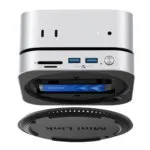
The MiniLink M49M is better in every way. It has 7 ports: two m.2 SSD slots, three USB-A 3.2 ports, and a TF/SD card reader (version 4.0). It also has an on/off button. The only downside is its higher power requirement: 12V. The M45P, however, can be powered by any 15W charger.
MyChooz – ORICO MiniLink M49M.
ORICO MiniLink M45P vs MiniLink M49P
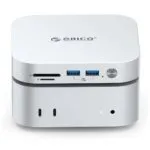
The MiniLink M49P is a bit simpler than the M49M. It only has one NVME drive slot and a 3.0 card reader instead of 4.0. Still, the 9-port model is better than the 5-port one. Inside, you get one m.2 SSD slot, two USB-A 3.2 ports, two 3.5mm TRS jacks, two USB-A 2.0 ports, and a TF/SD card reader (version 3.0). It needs 12V power and has an on/off button.
MyChooz – ORICO MiniLink M49P.
Comparing with competitors: ORICO MiniLink M45P vs UGREEN CM841 vs MOVESPEED DK5A1 vs ACASIS M001.
More detailsORICO MiniLink M45P vs UGREEN CM841
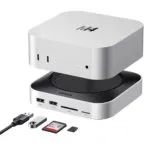
The UGREEN has more USB ports, including 3.0 and 3.2 versions. It also has SD and MicroSD card slots. The NVME speed is up to 10 Gbps. There’s no active cooling, which might be an issue in summer. It lacks headphone and microphone jacks. But that’s not a huge loss for budget-level connectors.
MyChooz – ORICO MiniLink M45P. Choose UGREEN CM841 if you need more USB ports.
ORICO MiniLink M45P vs MOVESPEED DK5A1
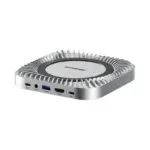
The MOVESPEED docking station is better. It has four USB ports, including 3.2 Gen 1 and Gen 2. It also has a 3.5mm headphone jack and an HDMI 2.0 port. Plus, there are SD and MicroSD card slots. However, you can only install an NVME drive up to 4TB. And it doesn’t have active cooling.
MyChooz – MOVESPEED DK5A1.
ORICO MiniLink M45P vs ACASIS M001
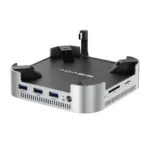
This is an 11-in-1 docking station. It has 4 USB ports, HDMI 2.0, and SD and microSD card slots. You also get two NVME slots at 10 Gbps. It features a power button and 30W power delivery. A power adapter and cable are included. Two fans provide active cooling.
There’s also an ACASIS M001 Pro version. It swaps HDMI for two DP ports. Plus, it offers 40 Gbps speed for NVME.
ORICO falls short in every way. The only exception is NVME data transfer speed, which is 40 Gbps. And that’s just compared to the base model.
MyChooz: ACASIS M001/PRO.
Build quality
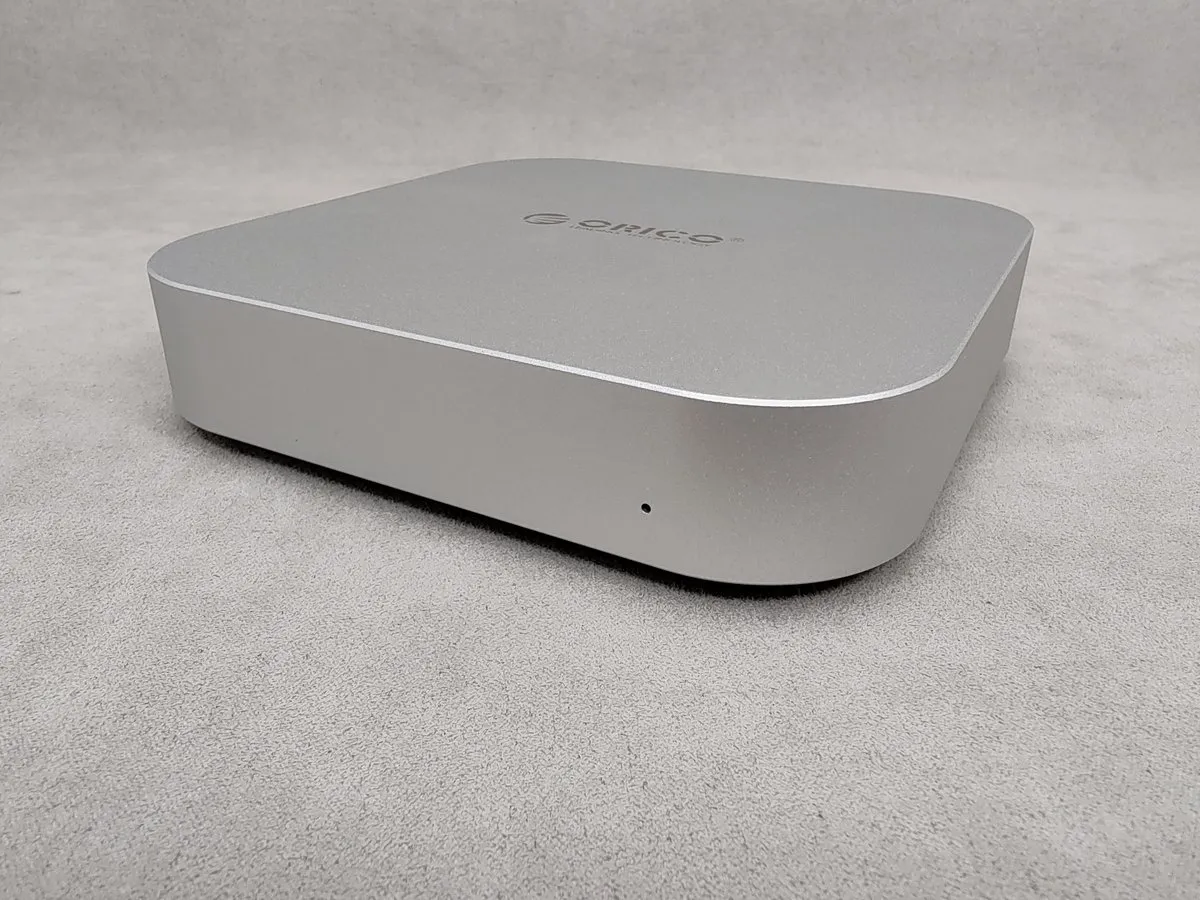
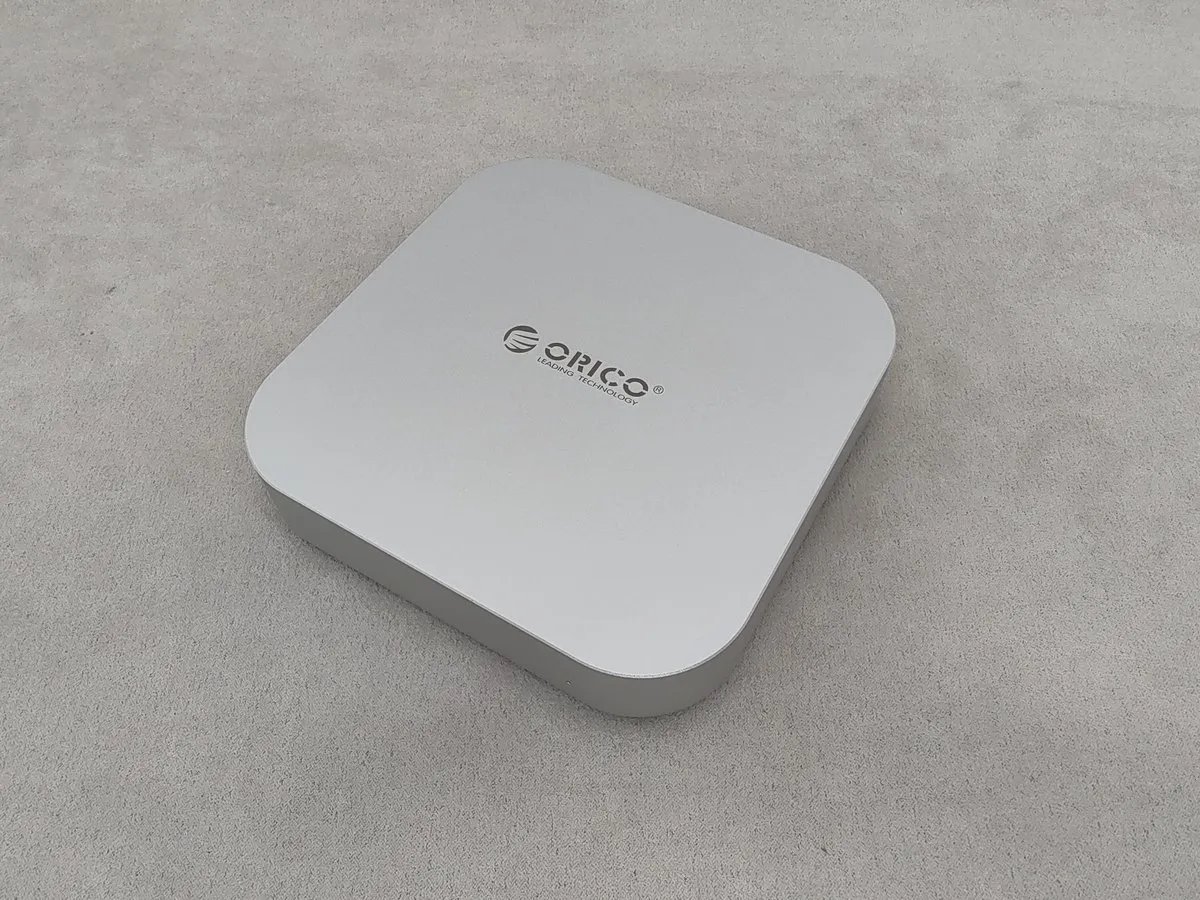
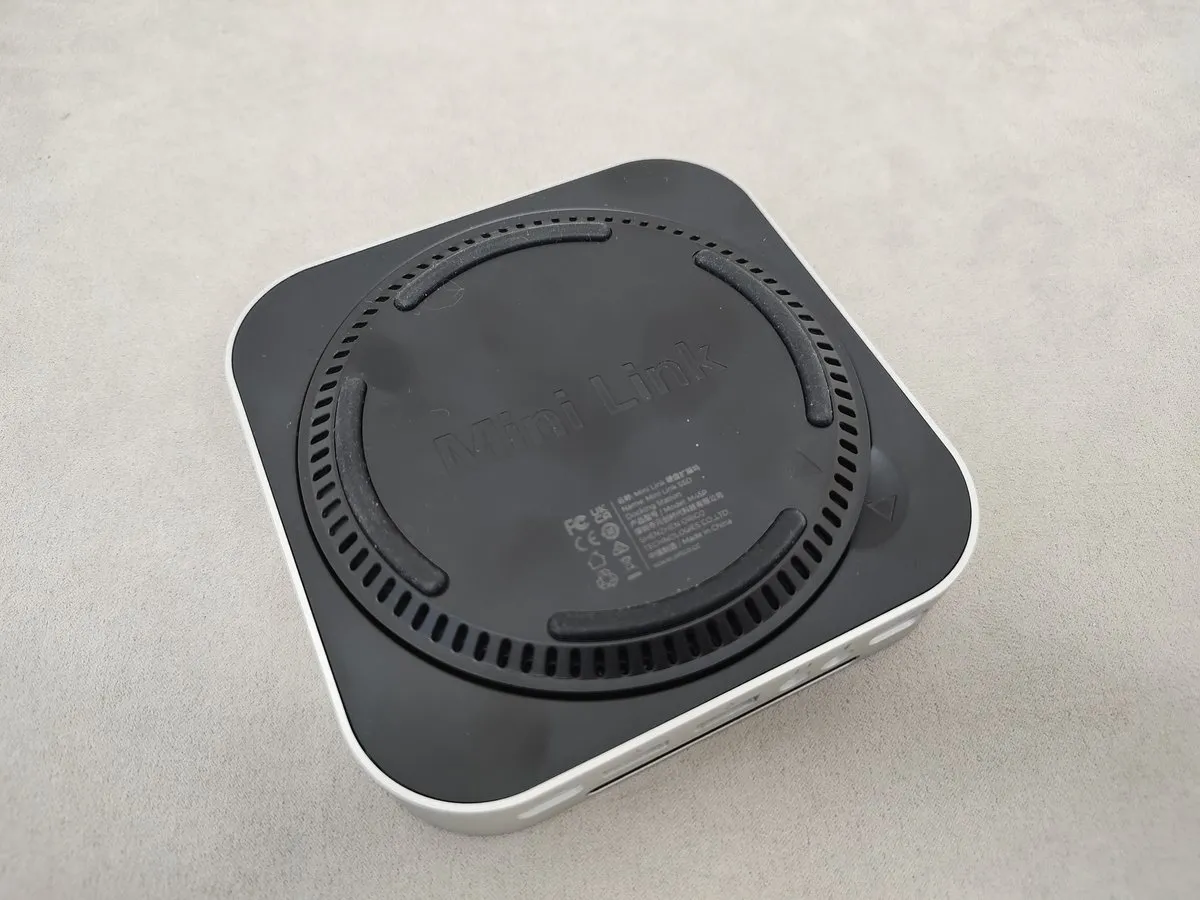
Learn more.
The Verdict
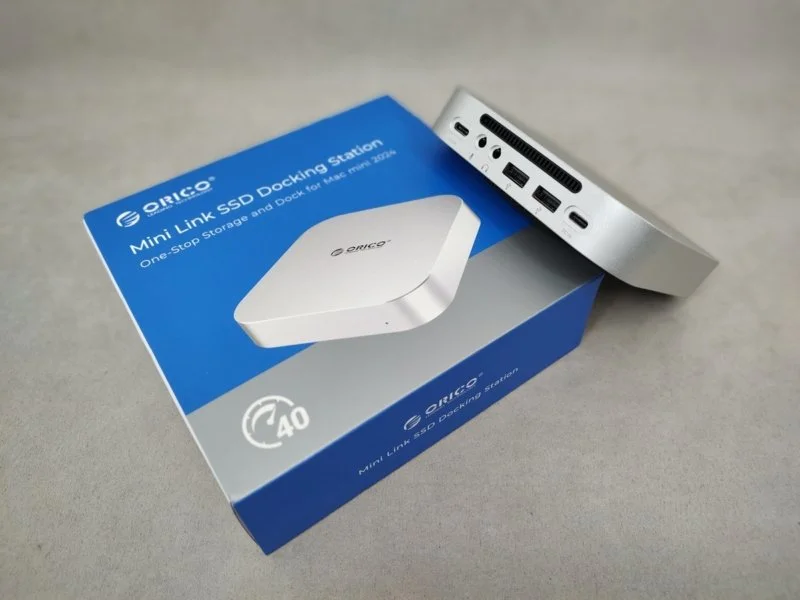
Is the ORICO MiniLink M45P at $90 a MyChooz pick? Yes, I can recommend it. It’s a top-tier docking station for Mac mini M4/4 Pro. You get active cooling and up to 40 Gbps data transfer.
The main reasons to buy are active cooling, a durable aluminum body, and up to 40 Gbps data transfer. It’s good for memory expansion and connecting peripherals. On the downside, its features are limited. You only get a slot for a fast SSD and a couple of USB 2.0 ports. The headphone and microphone jacks are budget-level. Also, the fan will get dusty over time. You’ll need to disassemble the station to clean it.
The ORICO MiniLink M45P makes sense for a Mac mini. For a PC, laptop, or TV, you should check out the higher-end ORICO MiniLink versions. They have more ports. Or look at more functional docking stations and affordable USB hubs.
ORICO MiniLink M45P Use Cases: Cold storage – yes. Peripheral expansion – with caveats. Mobile device charging – with caveats.
Buy ORICO MiniLink M45P
What are the alternatives?
- UGREEN CM841 has more ports, but lower NVME speed and no active cooling. It’s a good budget option. It will cover all your peripheral connection needs.
- MOVESPEED DK5A1 has more ports and HDMI. But it has lower NVME speed and no active cooling. For a similar price, you get even more features. Plus, you can connect an extra monitor.
- ACASIS M001 has more ports, HDMI, lower NVME speed, and active cooling. The brand is less known. But its features are just as good as MOVESPEED. With the Pro version, you can connect two extra monitors.
- Check out the ORICO MiniLink M49M and M49P. At the time of this review, during AliExpress sales, they are cheaper than the base model. Both models are better in every way. They also offer more ports for connecting devices.
Definitely let me know what you think about the new ORICO MiniLink M45P. I’d love to chat with you in the comments. Enjoy your sound, and I’ll see you on MyChooz. Bye!
- Active cooling
- Durable aluminum frame.
- Up to 40 Gbps data transfer.
- Few expansion ports
- USB 2.0 ports
- Difficult to disassemble for fan cleaning
ORICO MiniLink M45P – Specs:
- ORICO MiniLink M45P release date – January 2025.
- ORICO MiniLink M45P launch price – $119
- Build: unibody
- Ports: 1× USB4/Thunderbolt 4 host (40 Gbps), 1× M.2 NVMe PCIe 4.0 SSD (up to 8 TB, 2230/2242/2260/2280), 2× USB-A 2.0 (480 Mbps), 3.5mm headphones + 3.5mm microphone
- Power: from host (Mac mini) or an optional external adapter up to 15W.
- Materials: aluminum alloy, plastic
- Dimensions: 127 × 127 × 25 mm.
What’s in the Box
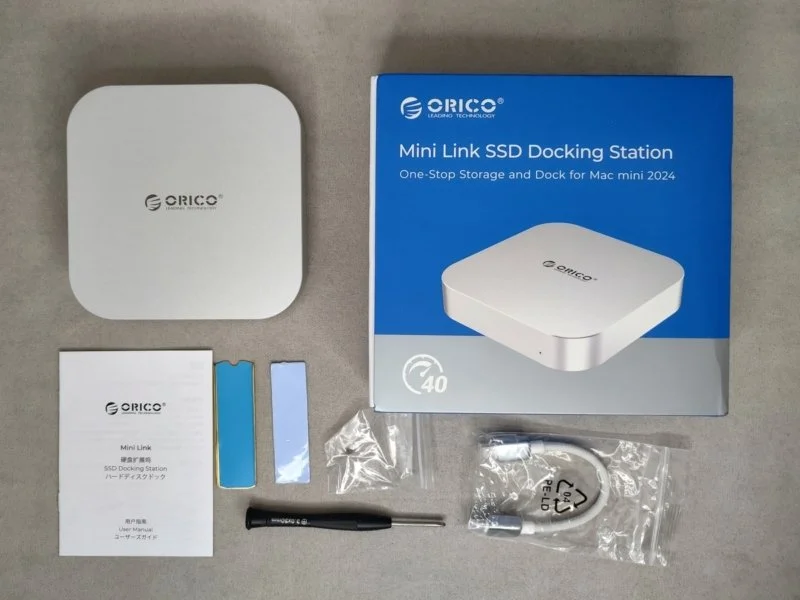
- ORICO MiniLink M45P
- USB-C to USB-C cable (15 cm, supports 40 Gbps)
- SSD heatsink
- Thermal pad
- User manual
Popular Questions:
ORICO MiniLink M45P – how to connect to Android?
To connect to an Android phone or tablet, use an OTG cable or adapter. Connect the accessory to your mobile device’s USB port. Then, connect to the docking station with any USB cable. It’s important to use a data transfer cable.
Still have a question about the ORICO MiniLink M45P?
Ask your question in the comments, and I’ll answer you.