

- Top-tier sound quality.
- The microphone has improved.
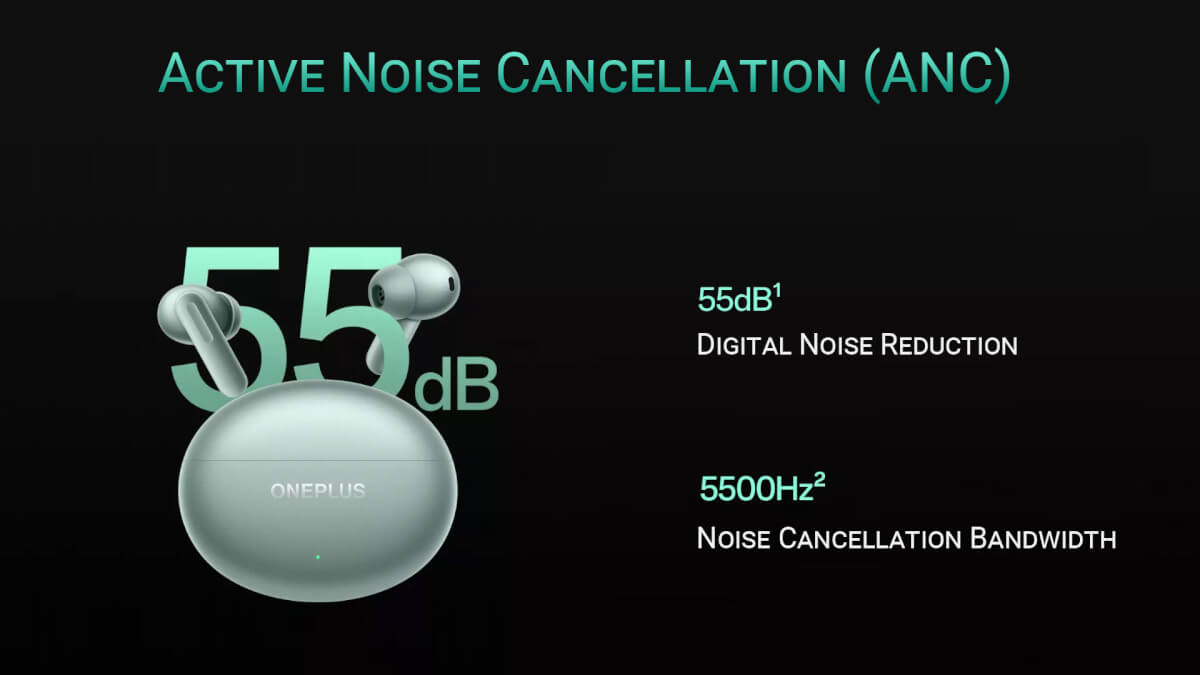
- Noise reduction and transparency mode have improved.
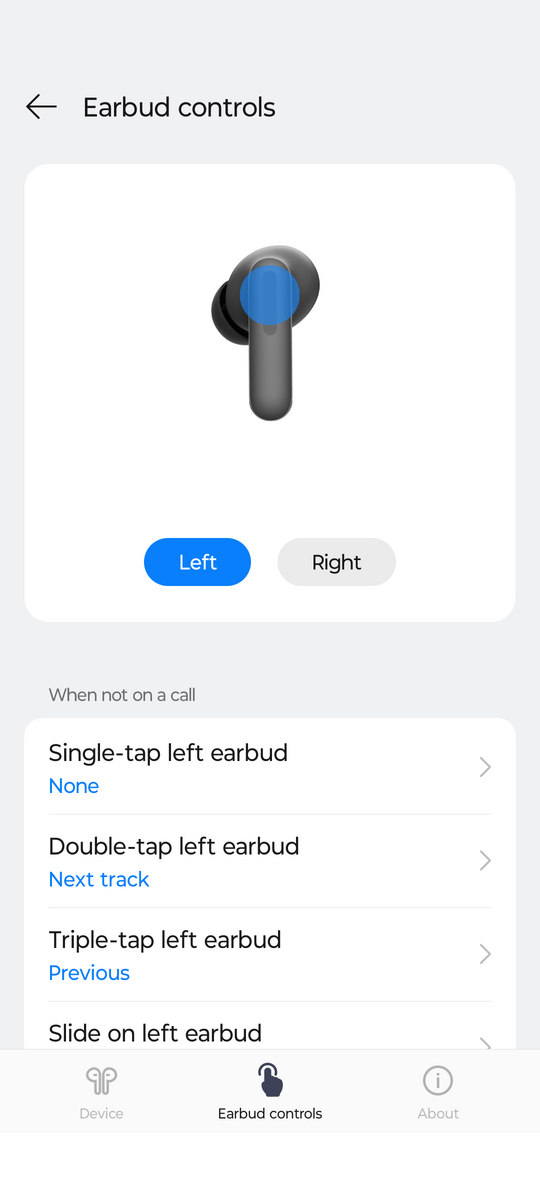
- Intuitive controls and a feature-rich app.
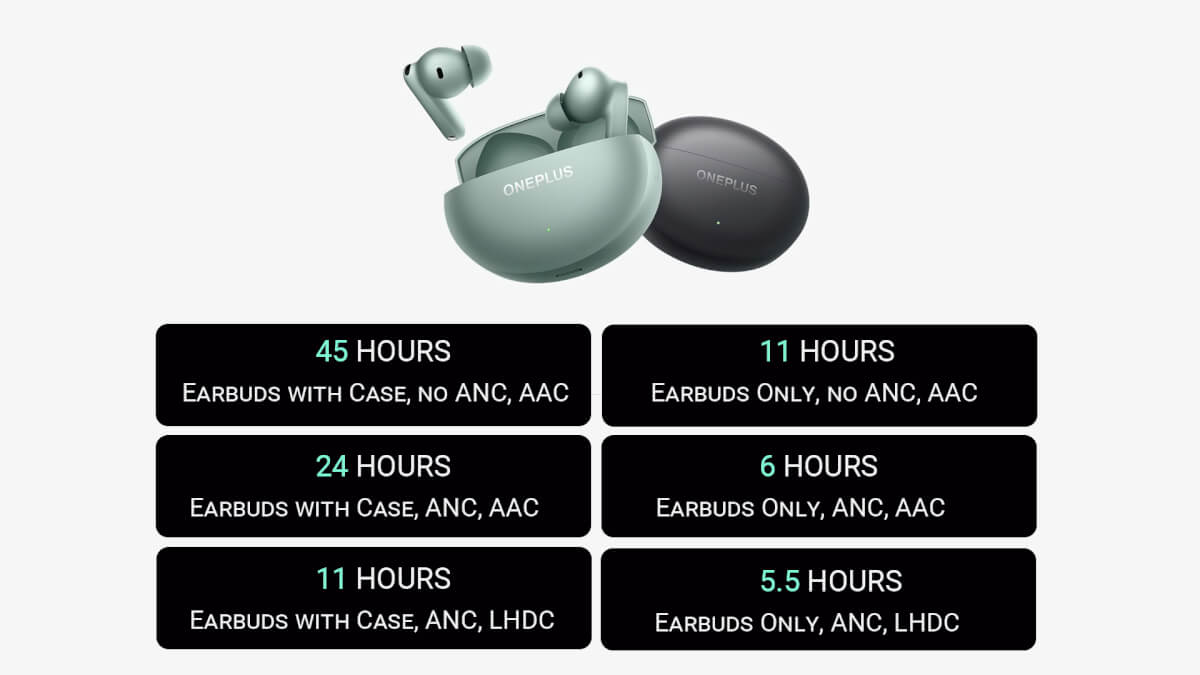
- Excellent battery life.
- Durable and reliable build quality.
- Minor drawbacks: if you minimize the app on a OnePlus, you'll need to reopen it.
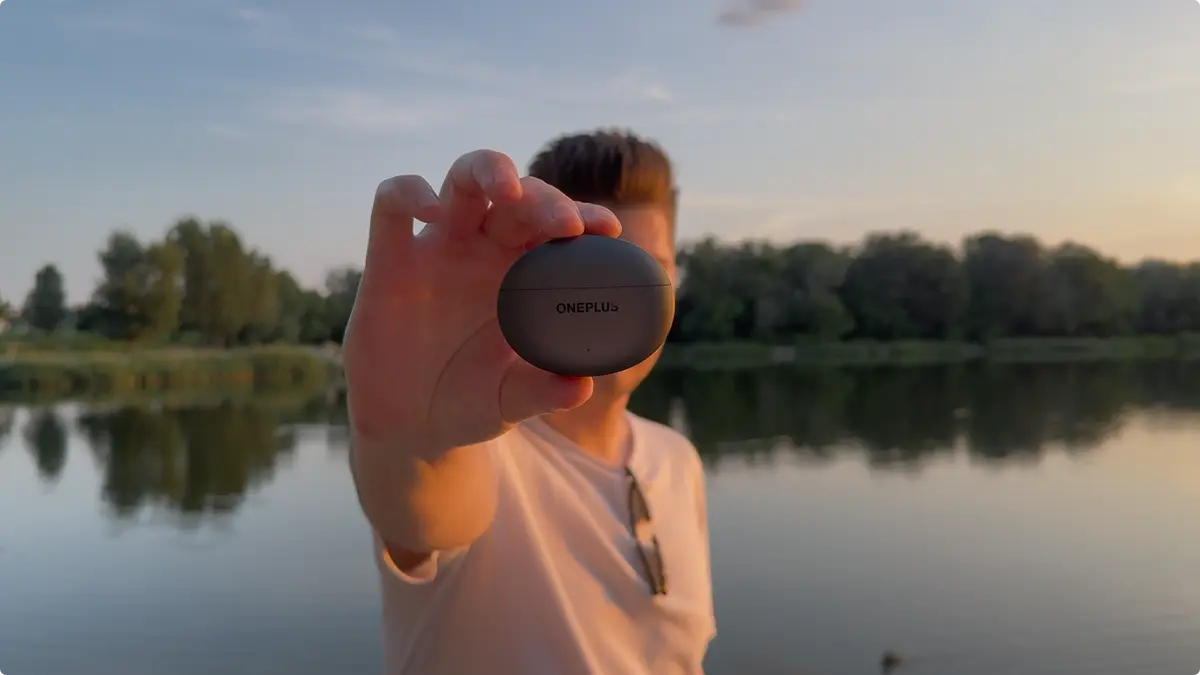
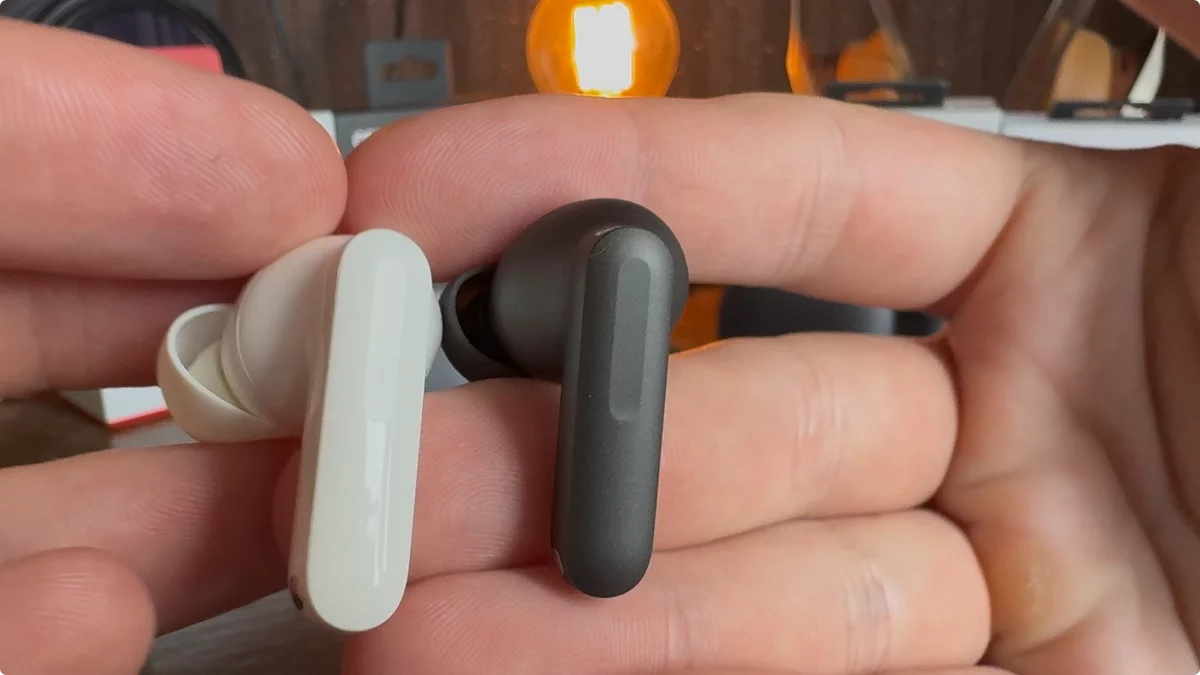
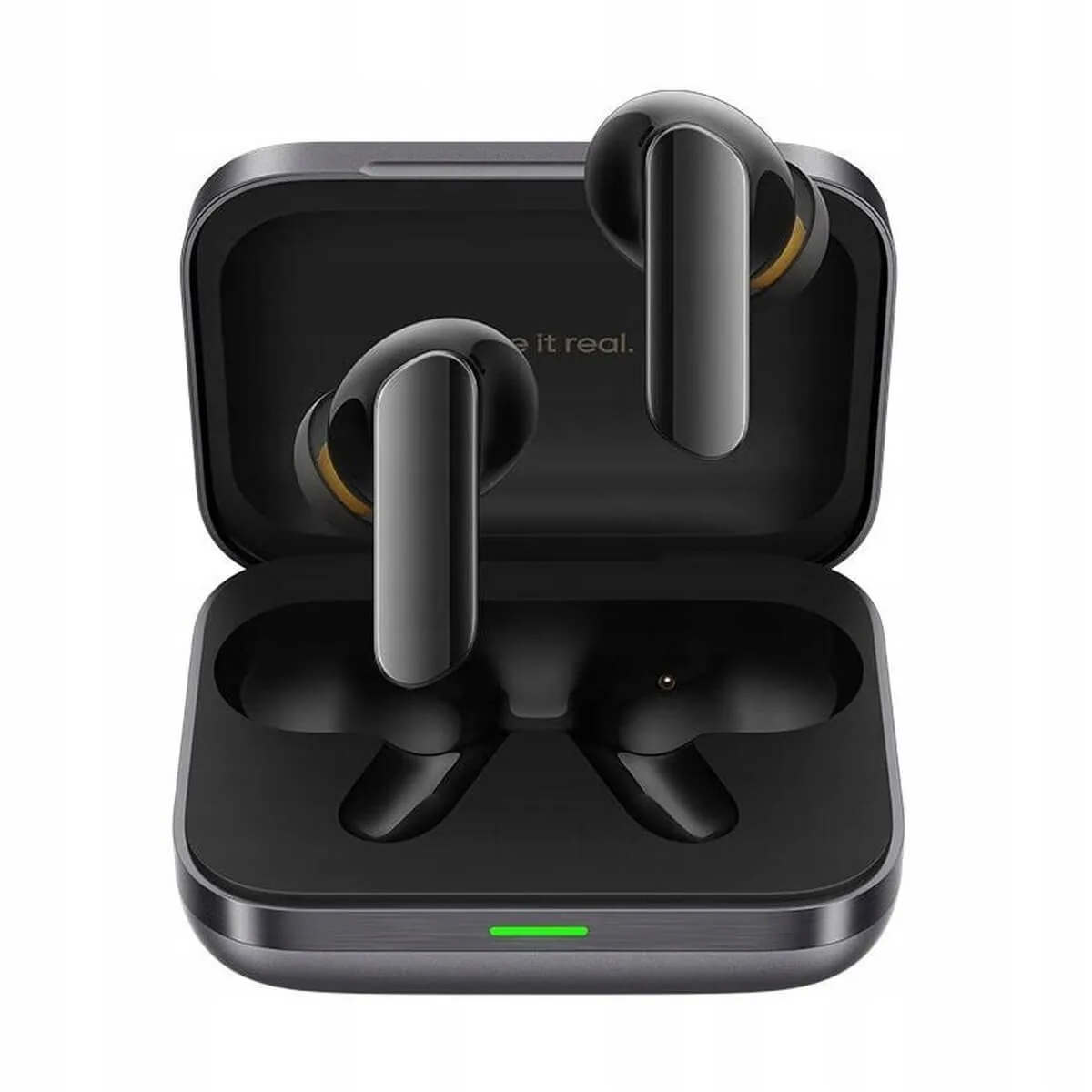
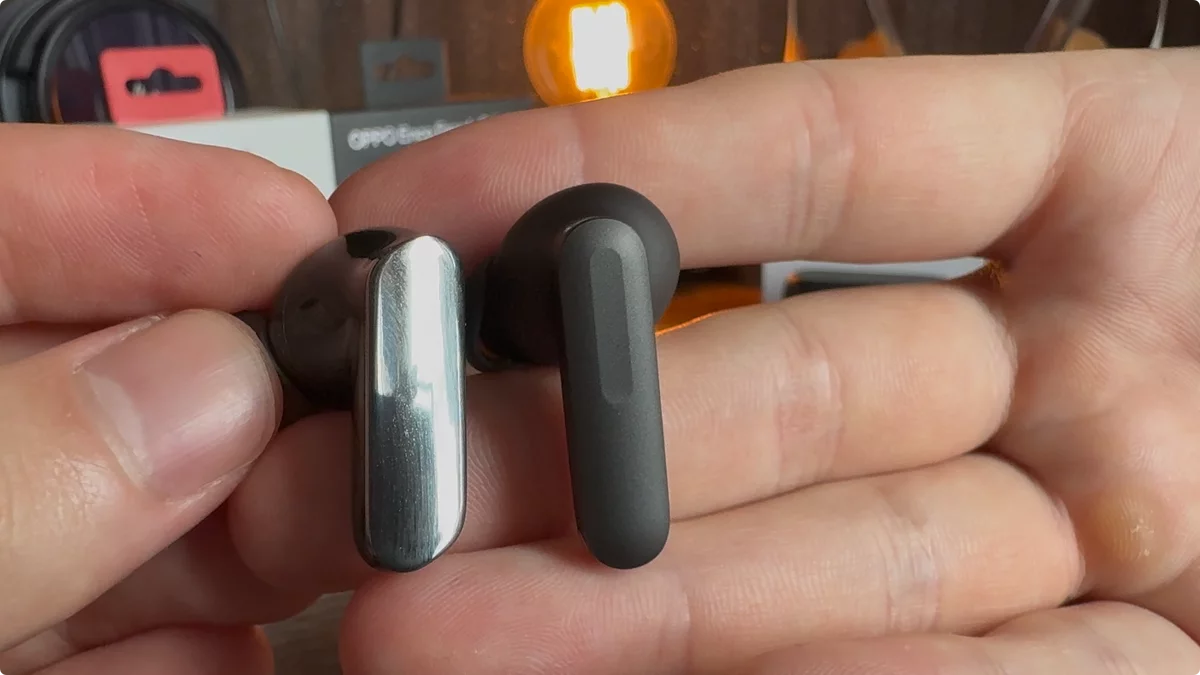
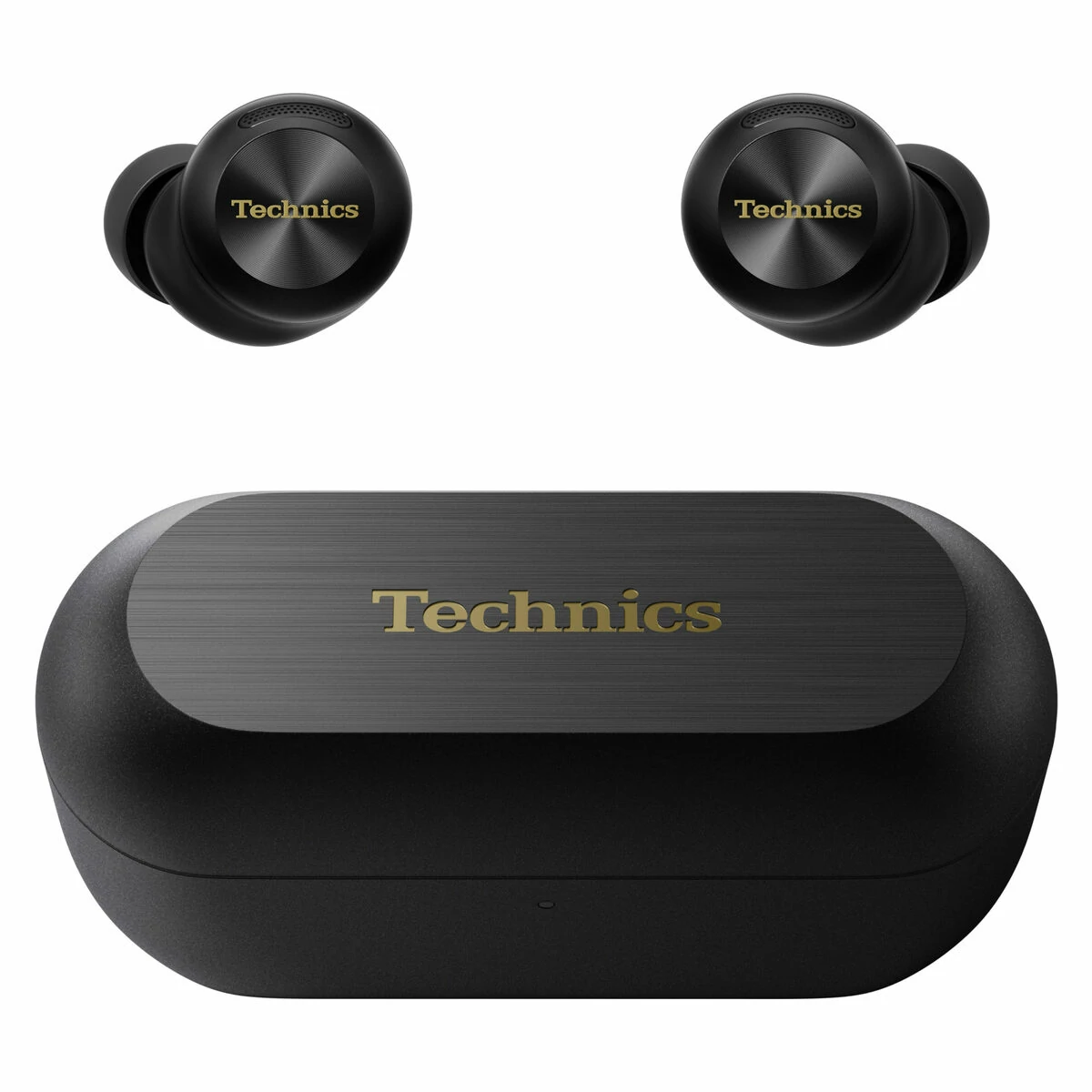
OnePlus Buds 4 – the long-awaited review. My expectations were absolutely through the roof. This review turned out to be an interesting read, so make sure to stick around until the end. We’ll, of course, compare the new Buds 4 with the Realme Buds Air 7 Pro ($66), the previous version, the OnePlus Buds 3 ($57), the OnePlus Buds Pro 3 ($120), and the HUAWEI FreeBuds Pro 4 ($170). And naturally, I’ll compare them to their twin brother, the OPPO Enco Free 4 ($68). I’ll also briefly stack them up against the Technics EAH-AZ100 ($403). And we’ll find out if the OnePlus Buds 4 are the new king of TWS, or if Realme has held its ground.
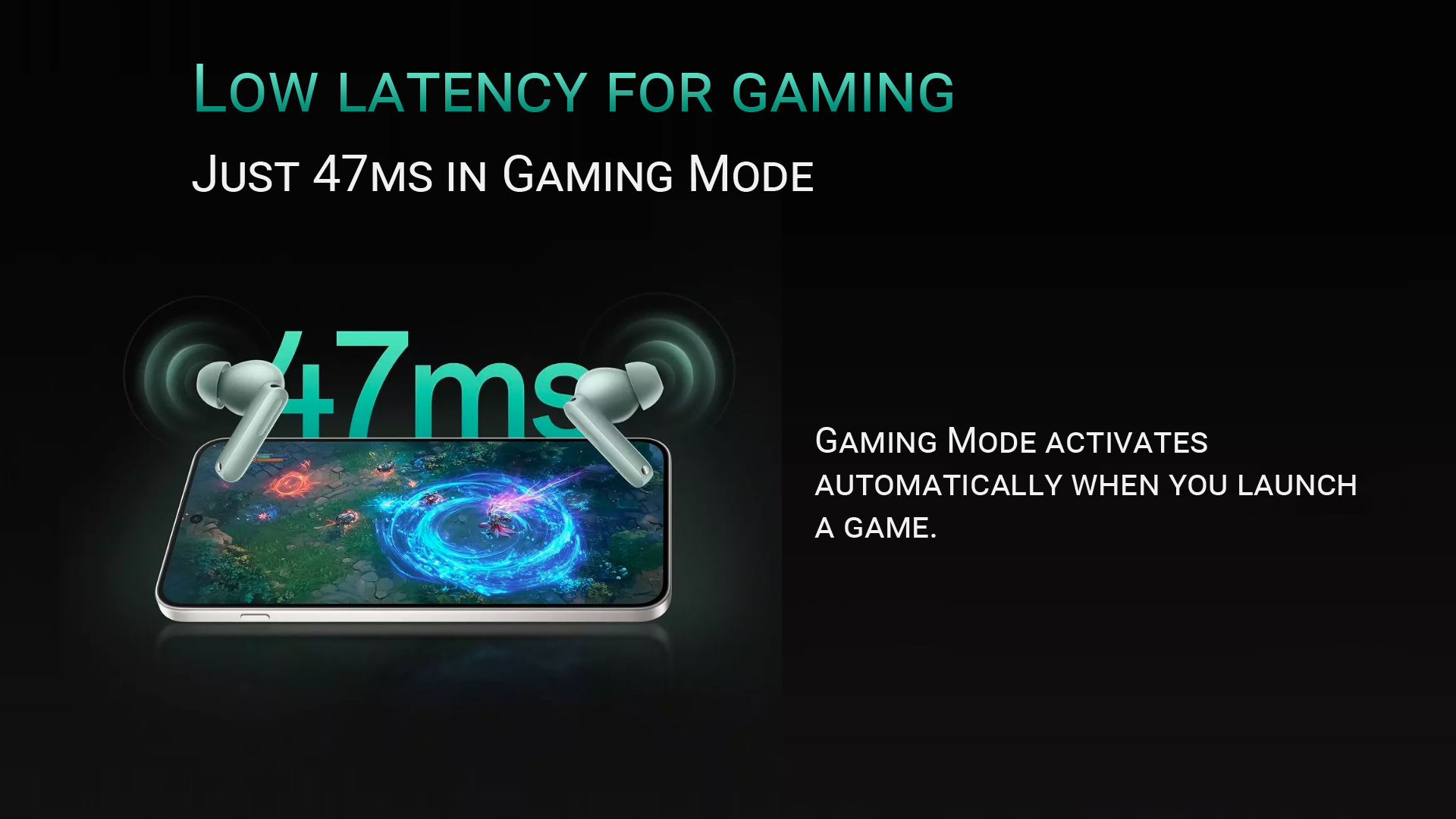
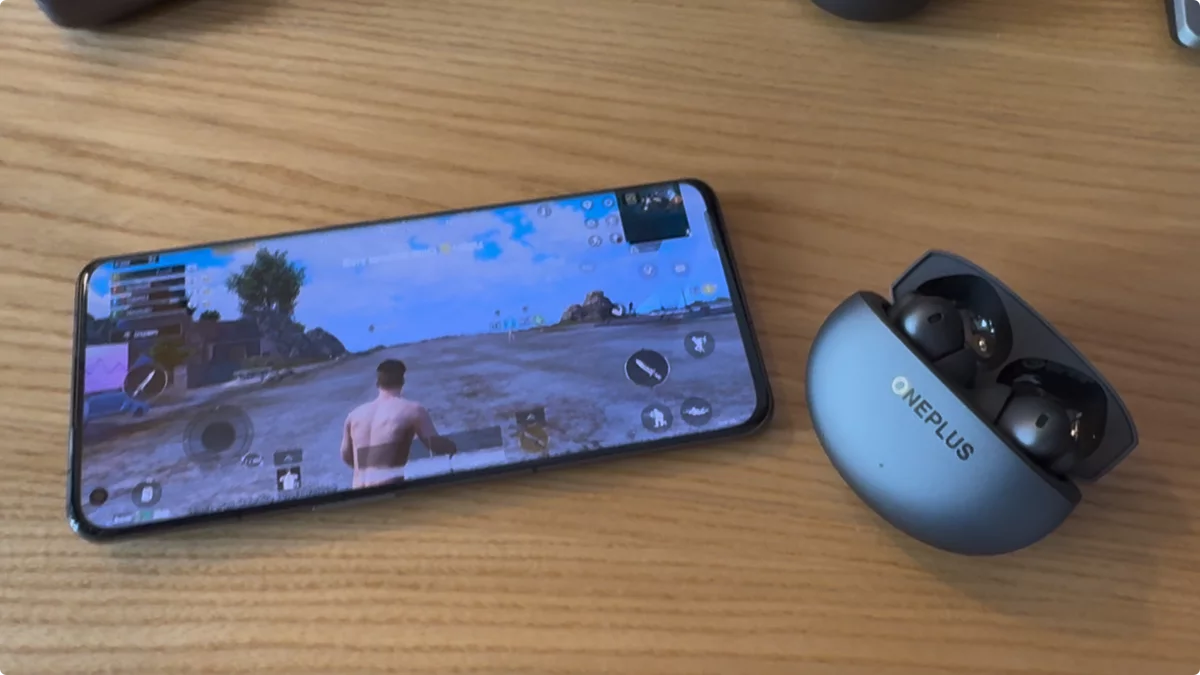
The OnePlus Buds 4 are 2025’s wireless in-ear TWS earbuds, priced at around $73. The company has focused on delivering improved sound, enhanced noise reduction, a translator function, and reduced audio delay for gaming. We’ll be putting all of these claims to the test.
The most interesting aspects of the OnePlus Buds 4 are what the manufacturer claims:

Thanks everyone for over 1000 likes on the short + video news! And thank you for all the comments and questions on the first look and under the news post. It’s truly motivating to keep releasing reviews, knowing you find them helpful. And now, for that promised bonus!
Sound – OnePlus Buds 4
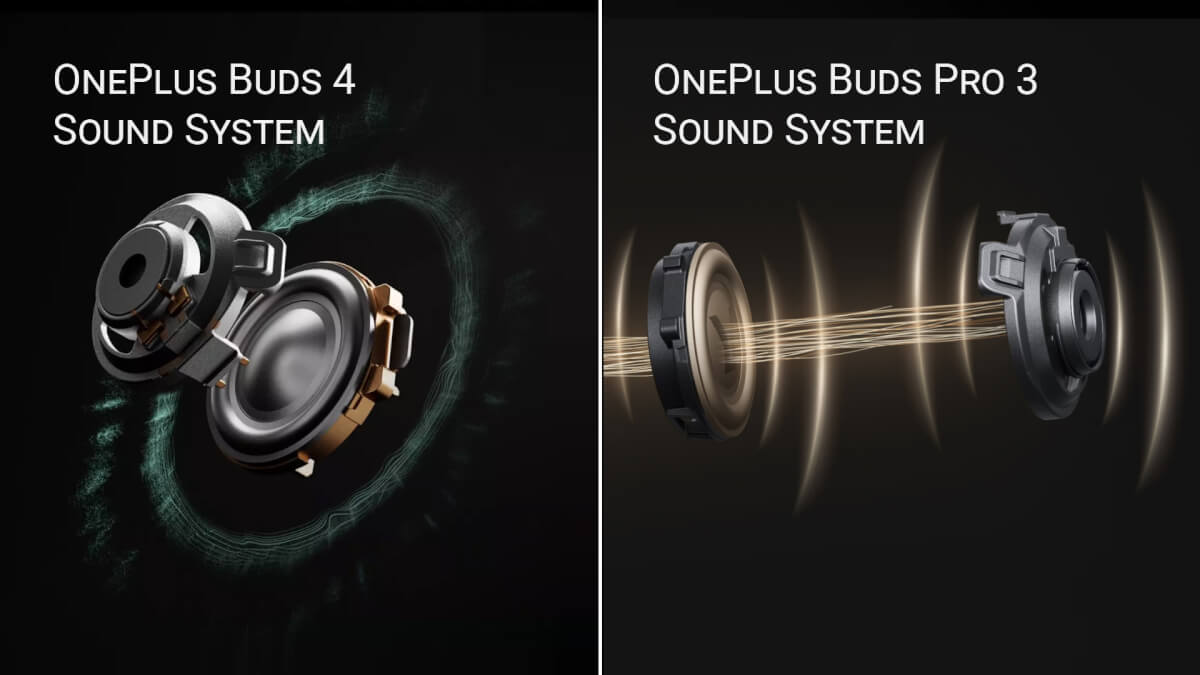

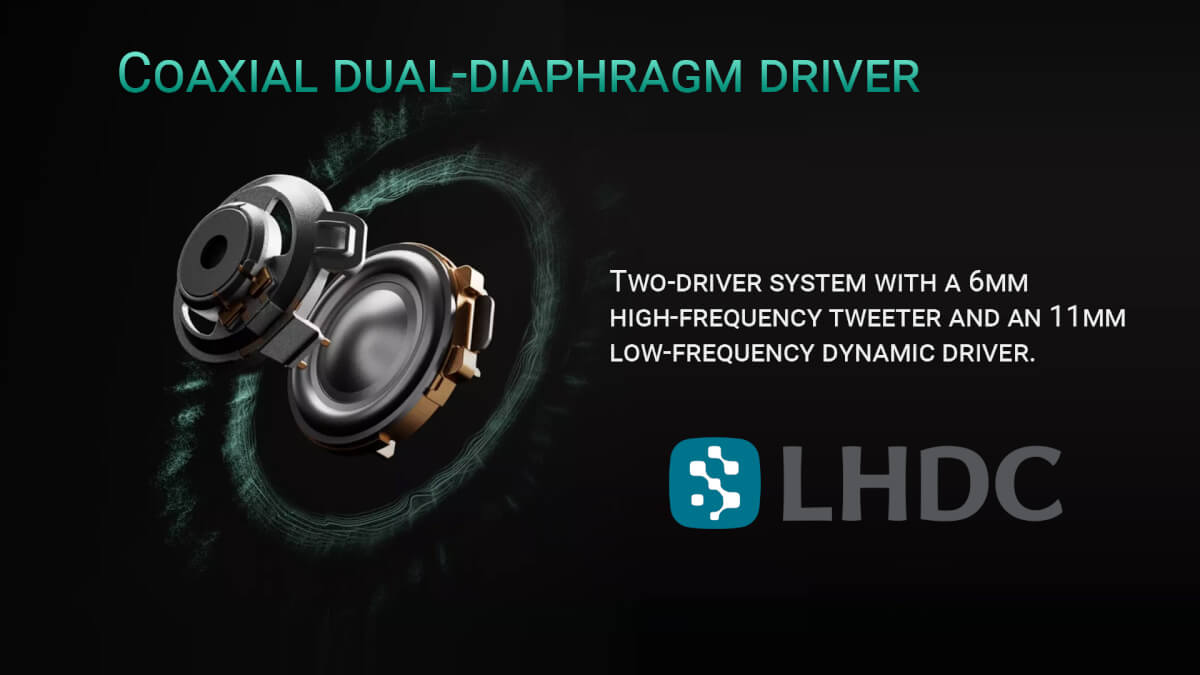
By default, the OnePlus Buds 4 produce a bass-heavy sound.
If we switch to AAC, we experience approximately a 15% drop in quality, and the sound becomes slightly worse than with the standard OnePlus Buds 3. This highlights why LHDC 5.0 support is crucial. Next, we’ll provide an evaluation and description of the sound using LHDC 5.0. When used with an iPhone or an Android device without LHDC, you can safely deduct 1.5 points for sound quality out of 10.
Important! These headphones only support the LHDC 5 codec. The codec works stably on OnePlus phones. On other phones with the LHDC 5 codec, the headphones may not work. In some cases, activating LHDC 5 in the headphone settings under the Bluetooth menu can help. Then, enable the codec in the dedicated app. However, this method doesn’t always work.
I recommend enabling High Sound Resolution Mode in the app’s settings. The Serenade equalizer actually worsens the sound if you attempt to boost the vocals; it’s better to stick with the default preset. I suggest setting up the Golden Hearing profile as it genuinely improves the sound after testing. This can add an approximate 0.2-0.3 points out of 10 in quality. However, its effectiveness will depend on your individual hearing.
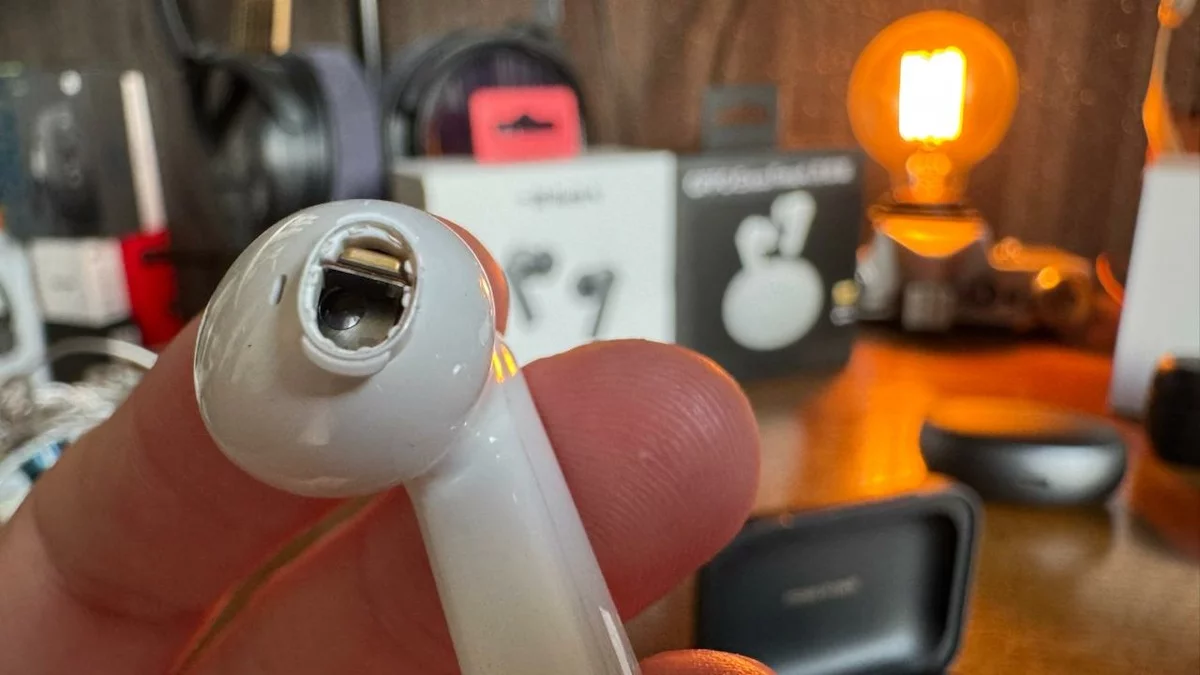
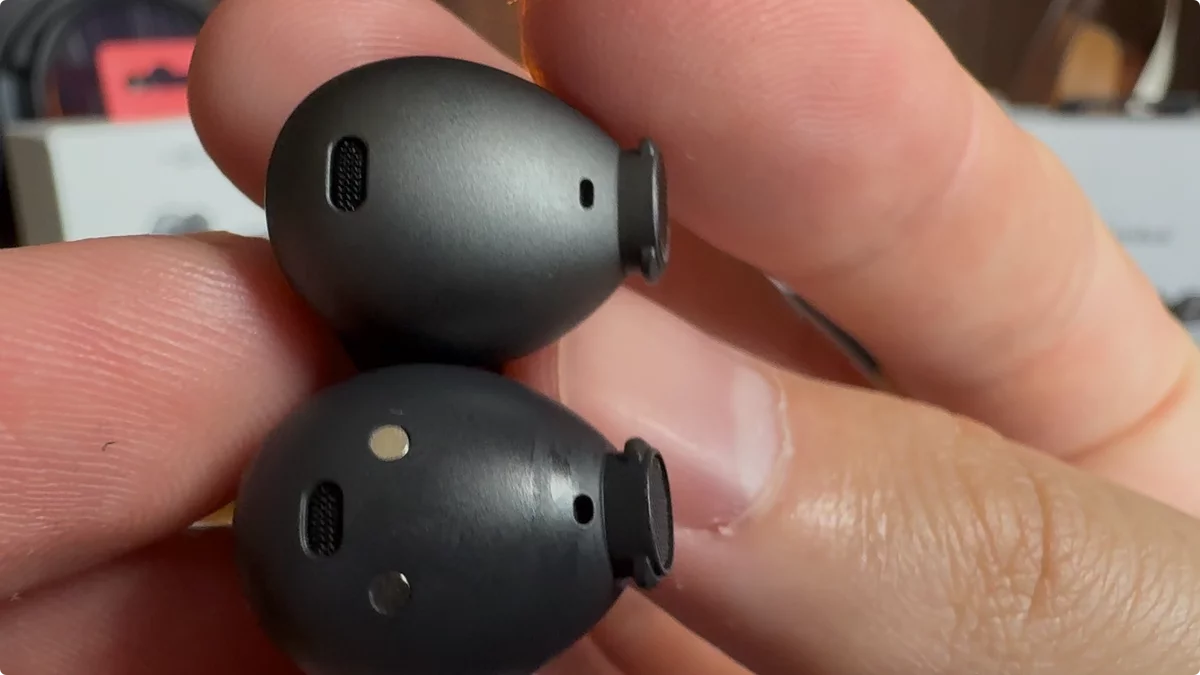

The sound port on the Buds 4, which is the same size as on the Buds 3, was a point of contention in the comments. Fortunately, the old ear tips still fit.
There’s plenty of volume to spare; it was tested at 70%, so you shouldn’t have any volume issues.
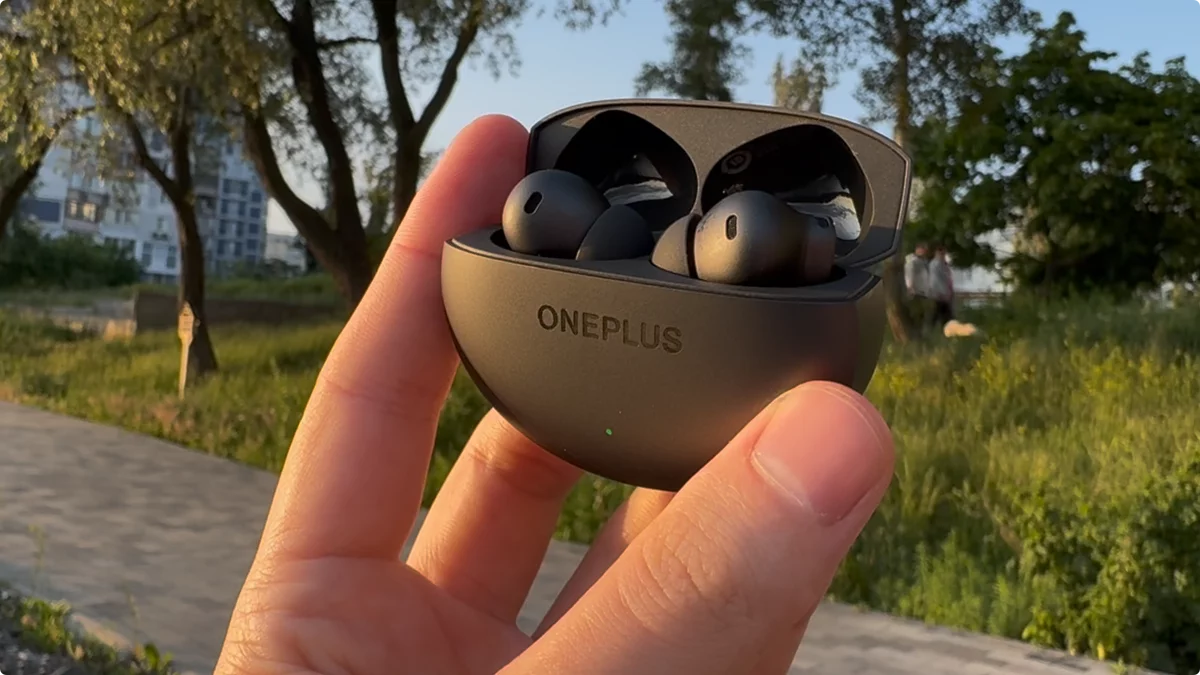
The sound rating for the OnePlus Buds 4 among all TWS headphones is 8.6/10 (with the Technics EAH-AZ100 being the 10/10 benchmark). With the golden profile activated, you might achieve a 9/10, though individual results may vary.
The primary drawback in terms of sound is a slight lack of detail and texture, which is only noticeable when directly comparing them head-to-head with the Realme. Conversely, the main advantage is the gorgeous, top-tier low-frequency sound. It offers a very similar feel to the Realme Buds Air 7 Pro, but with a more pronounced bass. The difference in sound quality is only about 0.7 points out of 10, which is not substantial.
So what’s the best thing to get in the end?
It’s simple—the OnePlus Buds 4 is for those who prefer a bass-heavy, softer, and more enveloping sound. Think Daft Punk’s dance music, Eminem’s hip-hop, or The Weeknd’s electronica. For that kind of audio experience, I highly recommend the OnePlus Buds 4. They really deliver on powerful bass, which Realme can’t quite match. The music is incredibly engaging, a solid 10/10. With the OnePlus Buds 4, you’ll feel like dancing and just getting lost in the sound, simply enjoying it as you walk down the street.
The Realme Buds Air 7 Pro are designed for listeners who prioritize timbre, vocal intimacy, and emotional depth. They offer a less bass-heavy but more detailed and analytical sound, providing the clarity to discern individual musical parts. With the Realme Buds Air 7 Pro, you’ll still feel like dancing, but to quieter genres that invite you to sit back and truly immerse yourself in the music. You’ll enjoy every detail, every layer, and discover new sounds, appreciating all the nuances and intricacies.
OnePlus Buds 4 – Comparison with Competitors:
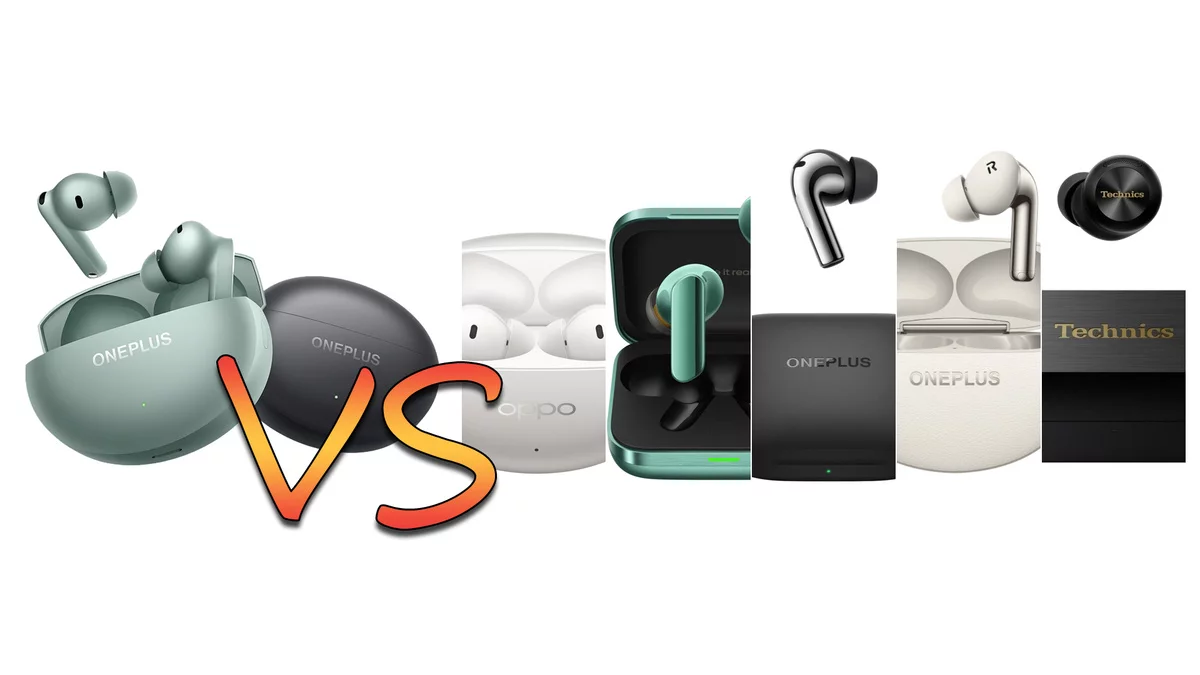

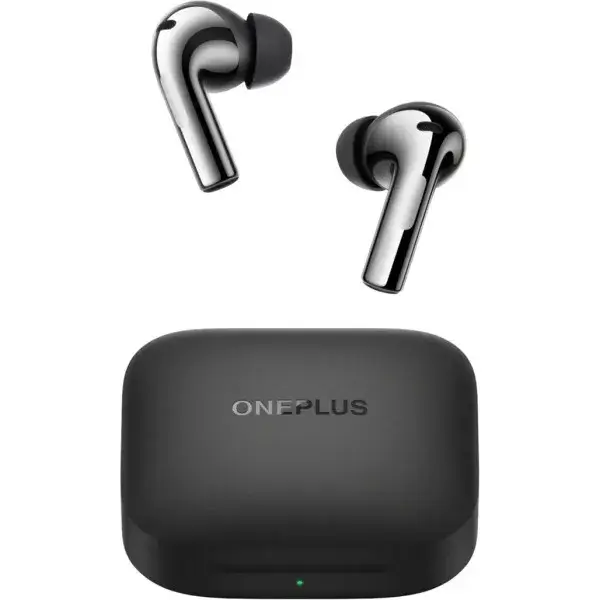
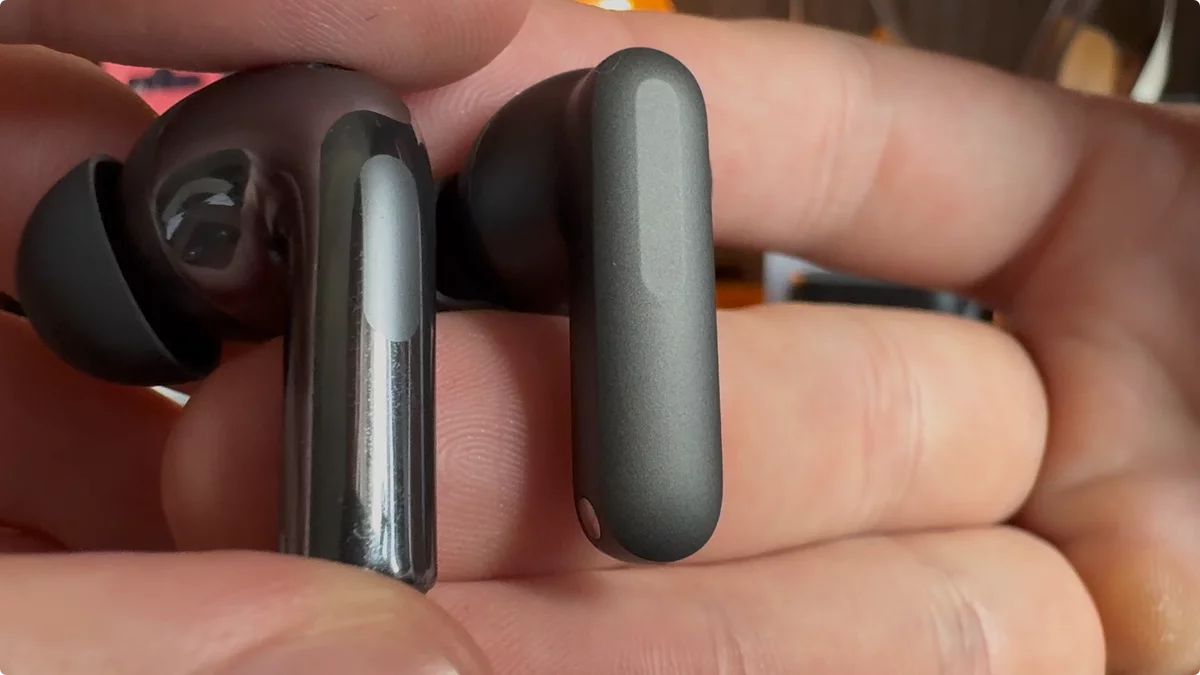

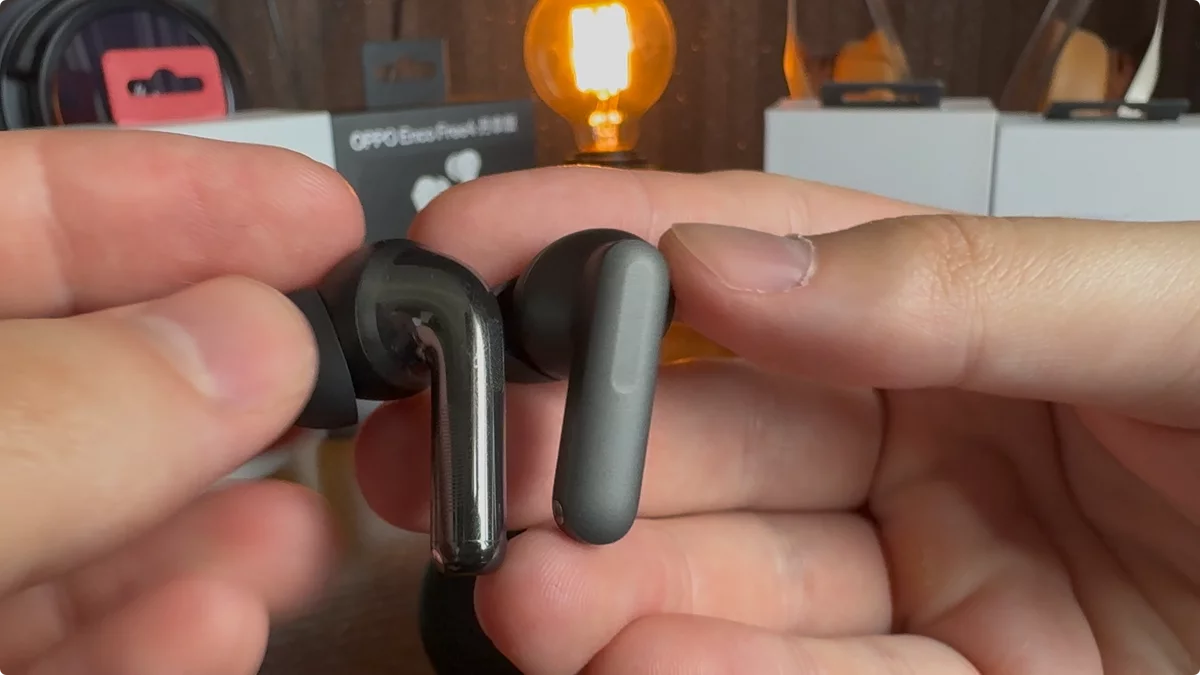
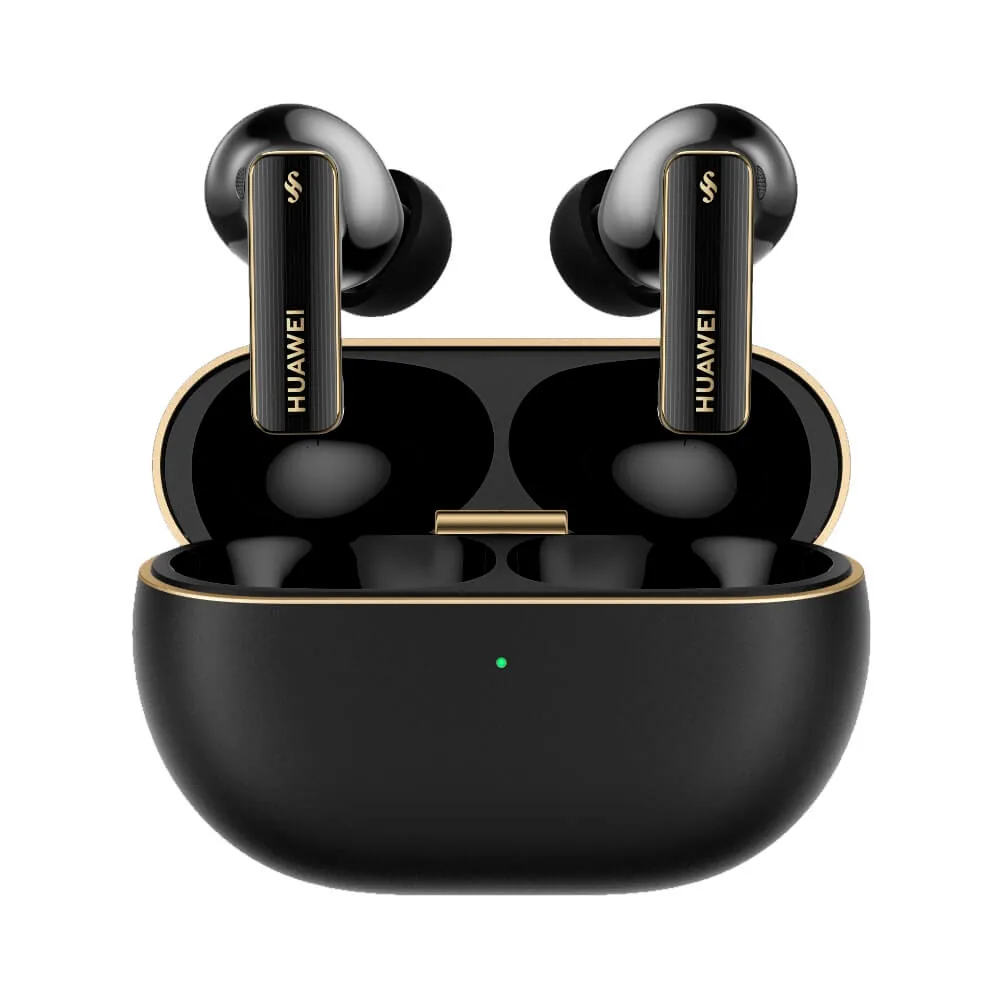
More comparisons in MyChooz.com’s top rankings
Functions

The OnePlus Buds 3 microphone scores an 8.75/10. It rates a 9/10 in quiet conditions and an 8.5/10 in noisy environments.
The Oppo Enco Free 4 microphone scores an 8.5/10. It rates a 9/10 in quiet conditions and an 8/10 in noisy environments.
Realme Buds Air 7 PRO microphone, unchanged at 8/10. In quiet conditions – 9/10. In noisy conditions – 7/10.
Comparison with the benchmark Huawei Freebuds Pro 4 ($170) – 9.75/10. In quiet conditions – 9.5/10. In noisy conditions – 10/10.



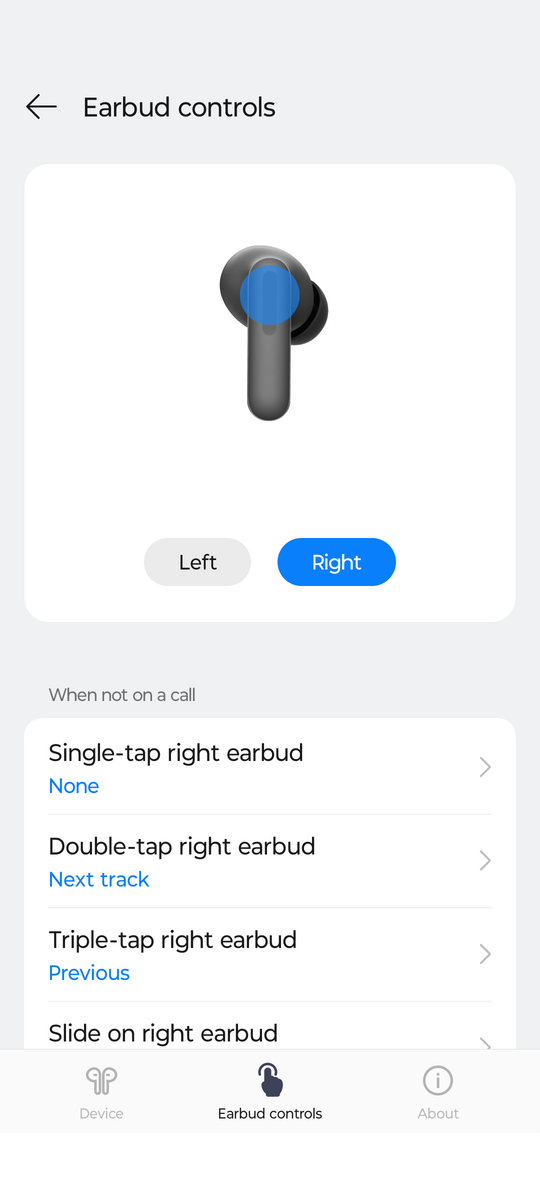
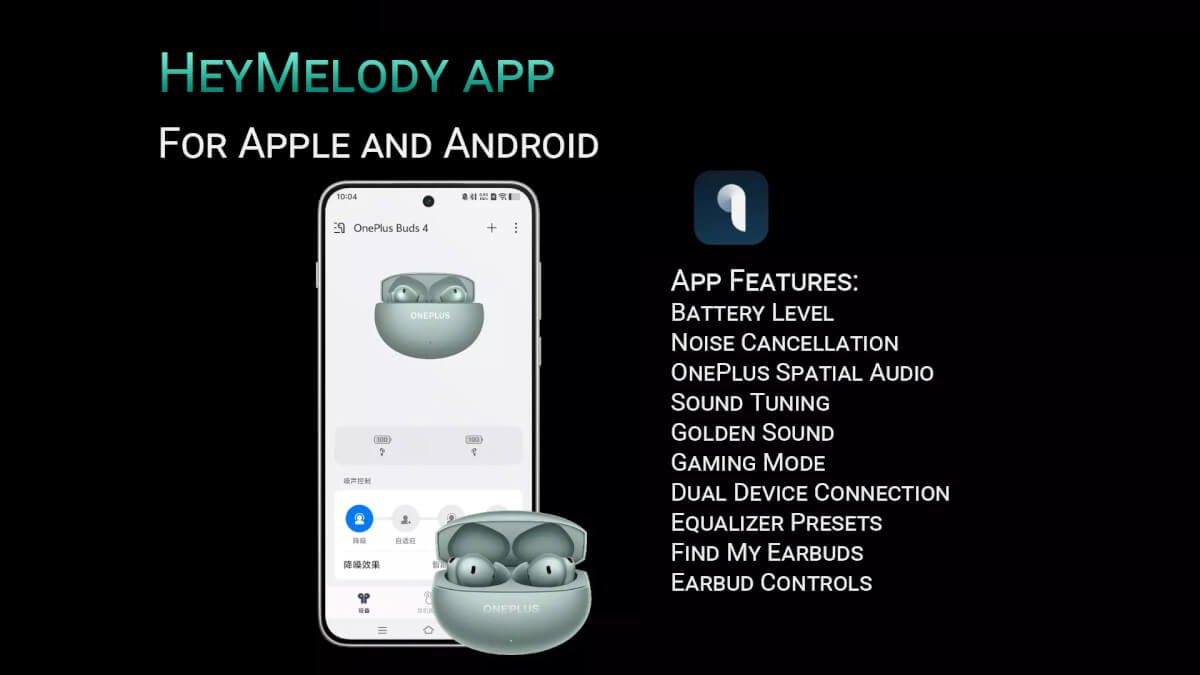
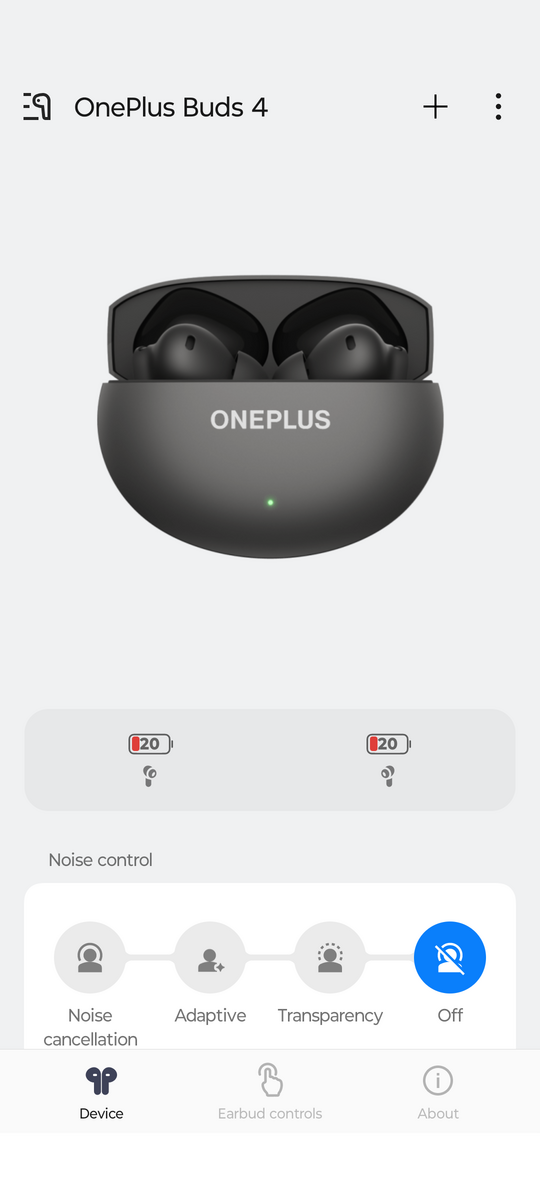
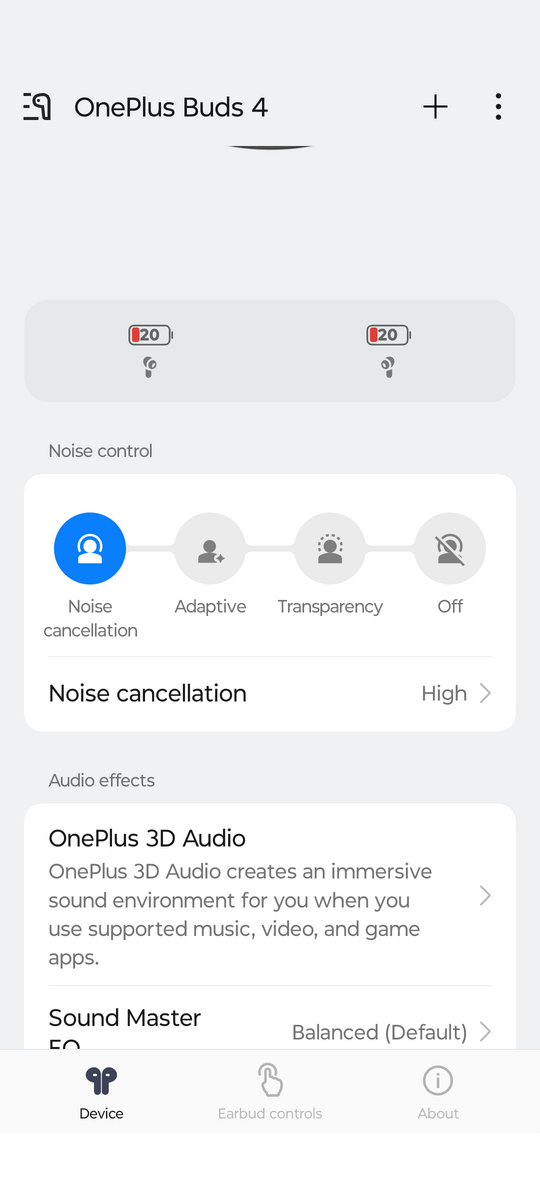
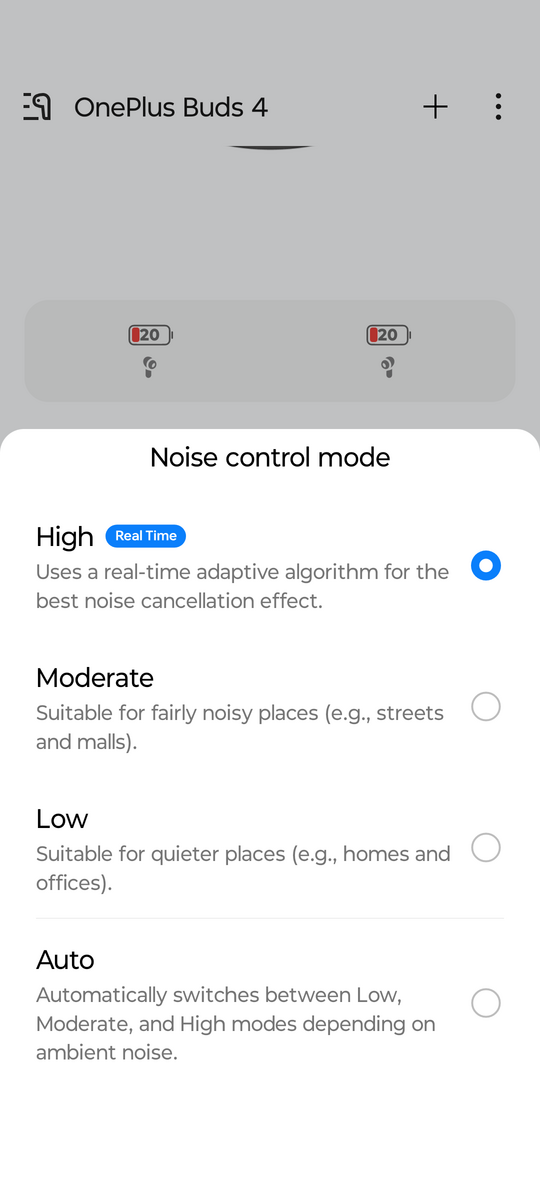
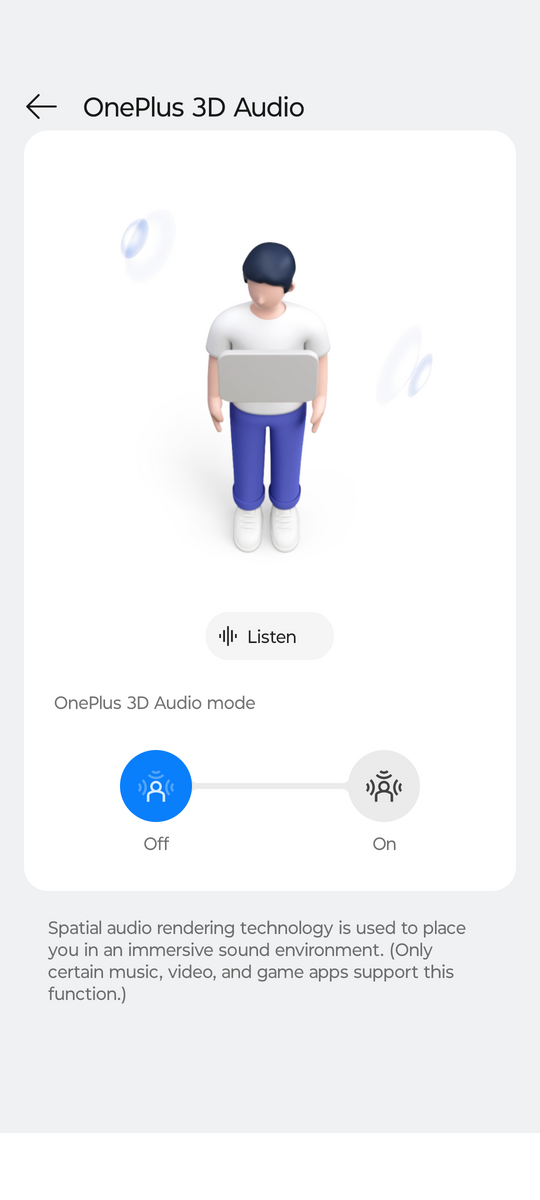

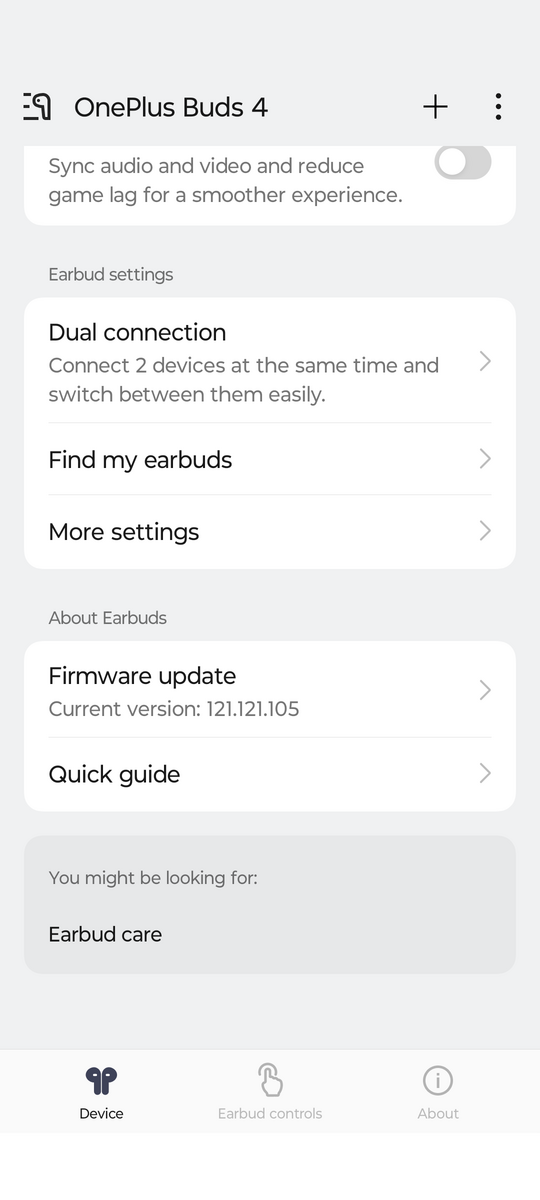
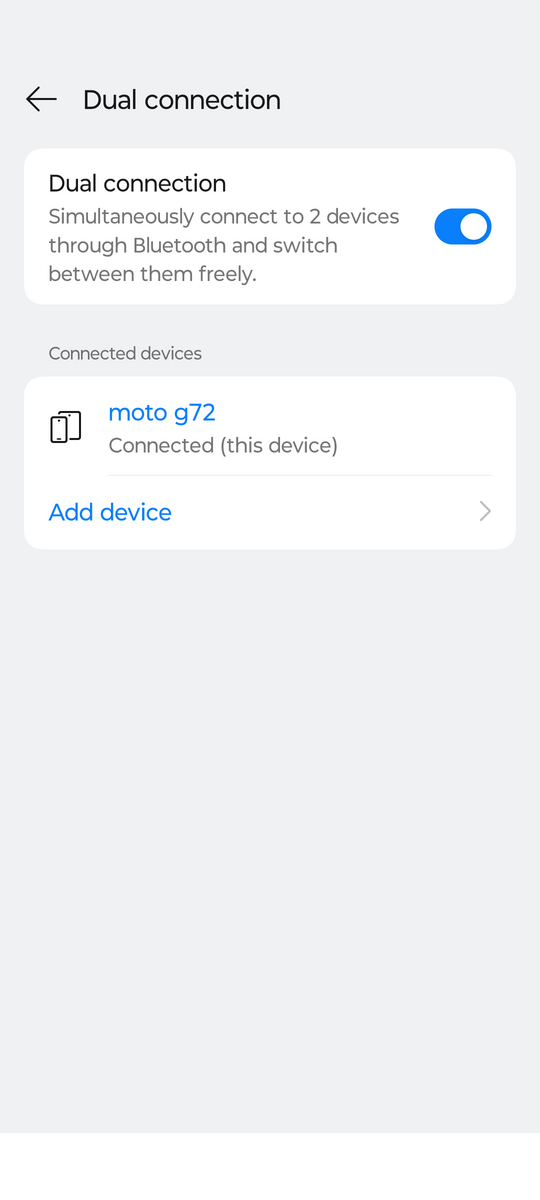
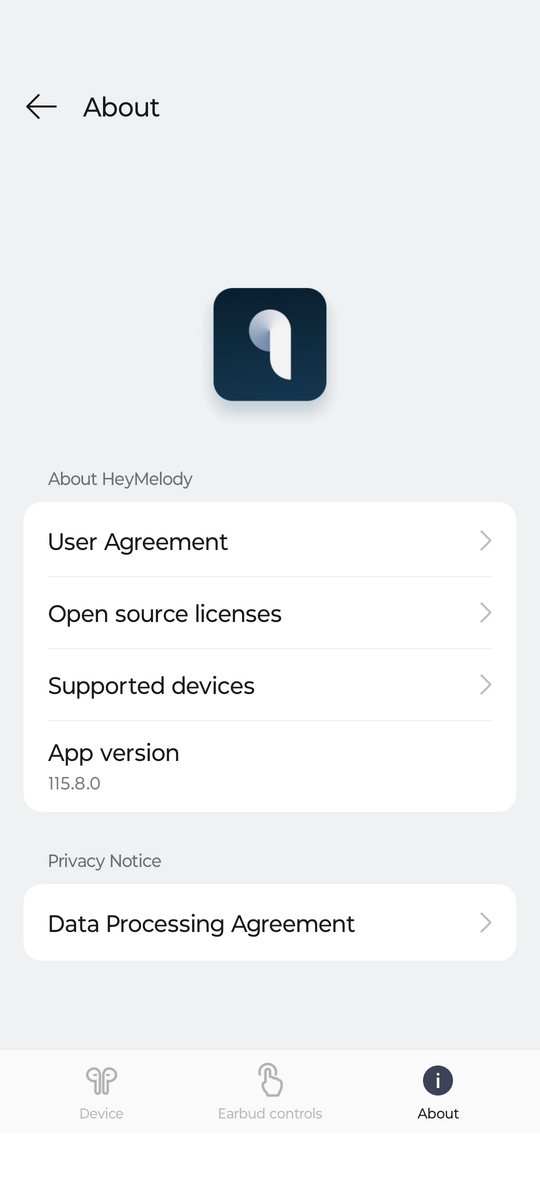
Important features and sensors:
- Multipoint – Yes.
- Auto-pause when headphones are removed – Yes.
- Google Fast Pair support – None (in the Chinese version).
- There is no support for Swift Pair for Windows.


Difference between the global and Chinese version:
Everything is the same, but it’s important to double-check that Google Fast Pair is included in the global version, as the Chinese version typically doesn’t have it. This is a OnePlus standard.
Design
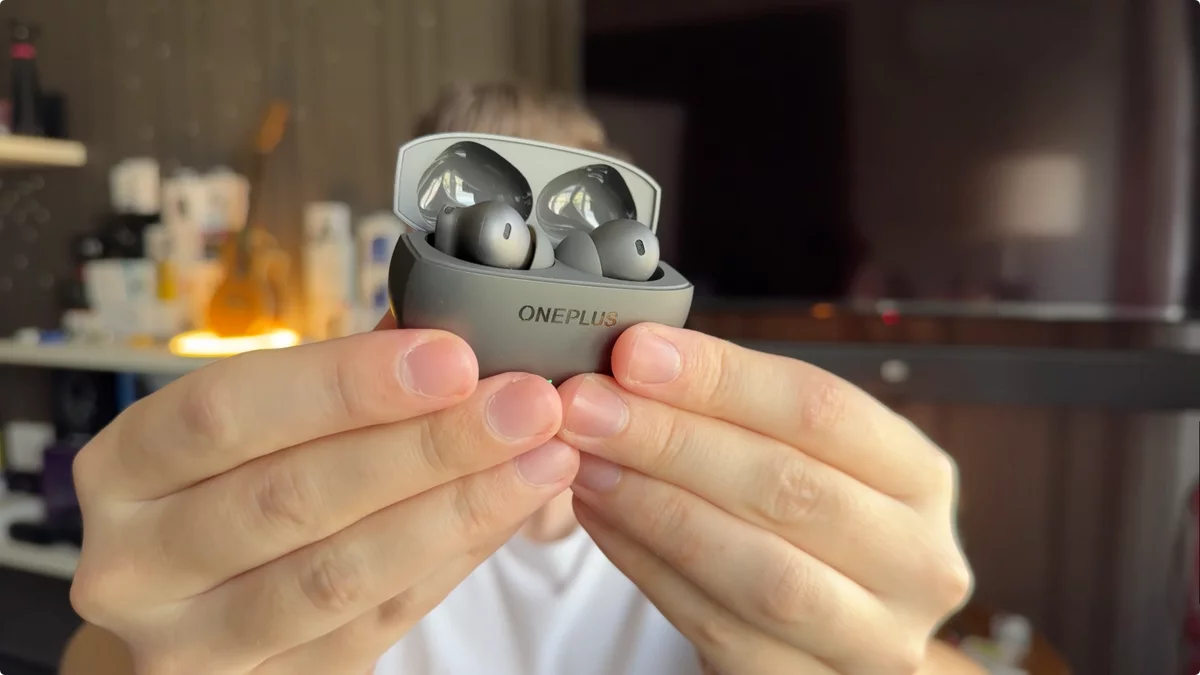
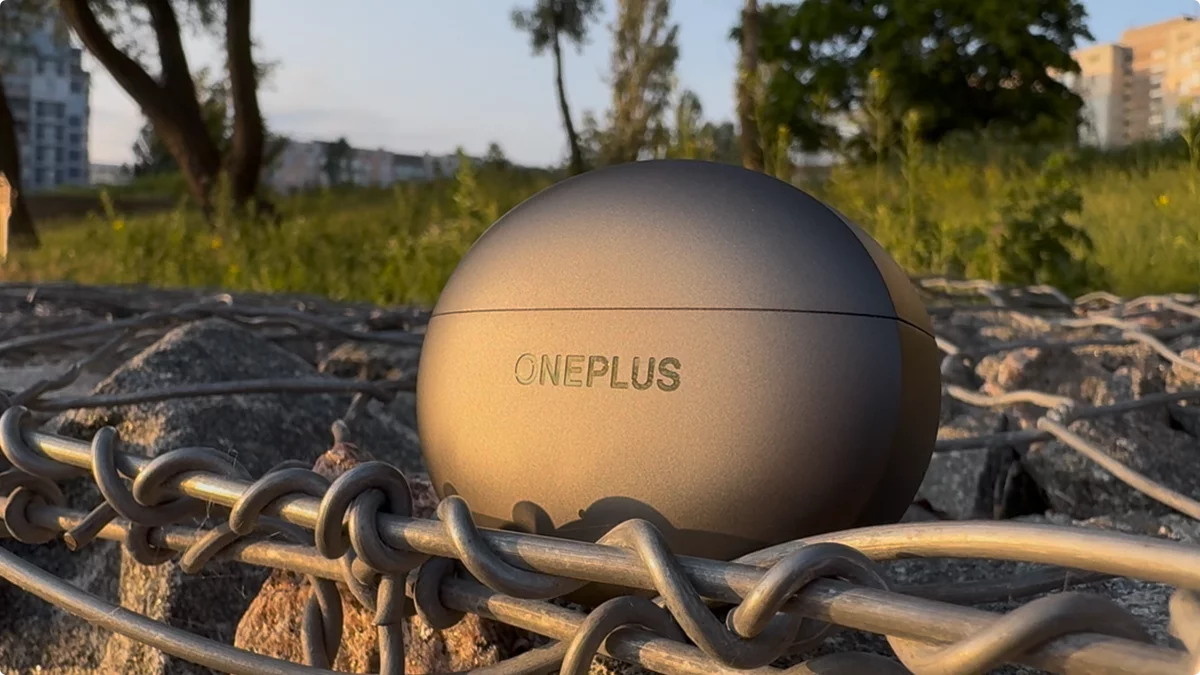

Design comfort – 9/10 (the gold standard being Airpods Pro 2). The headphones are comfortable, and the case is roughly the same size as the version 3’s, just oval now instead of a rectangle. On the downside, -0.5 points because the case could be smaller, using the Airpods Pro 2 as a reference. Another -0.5 points because the headphones are noticeable in my ears, not quite as comfortable as the Airpods Pro 2.
Quality of materials and durability – 10/10. They meet IP55 standards, meaning they’re protected against water jets from any direction and dust. The scratch resistance is excellent; they finally went with a matte finish for both the earphones and the case. It picks up minimal fingerprints and scratches.
Appearance – 8/10. The OnePlus Buds 4 are available in two colors: Space Gray and Green Pine. The design is a significant improvement; the annoying glossy finish is gone, and the headphones feel and look much more compact. Otherwise, the design is unremarkable, and the headphones could easily be confused with hundreds of others. I’m deducting one point for the very ordinary design, though at least it’s not annoying now. Another point is off because I would have liked to see more color options. For example, the Oppo Enco Free 4 comes in white and black.

Bottom line
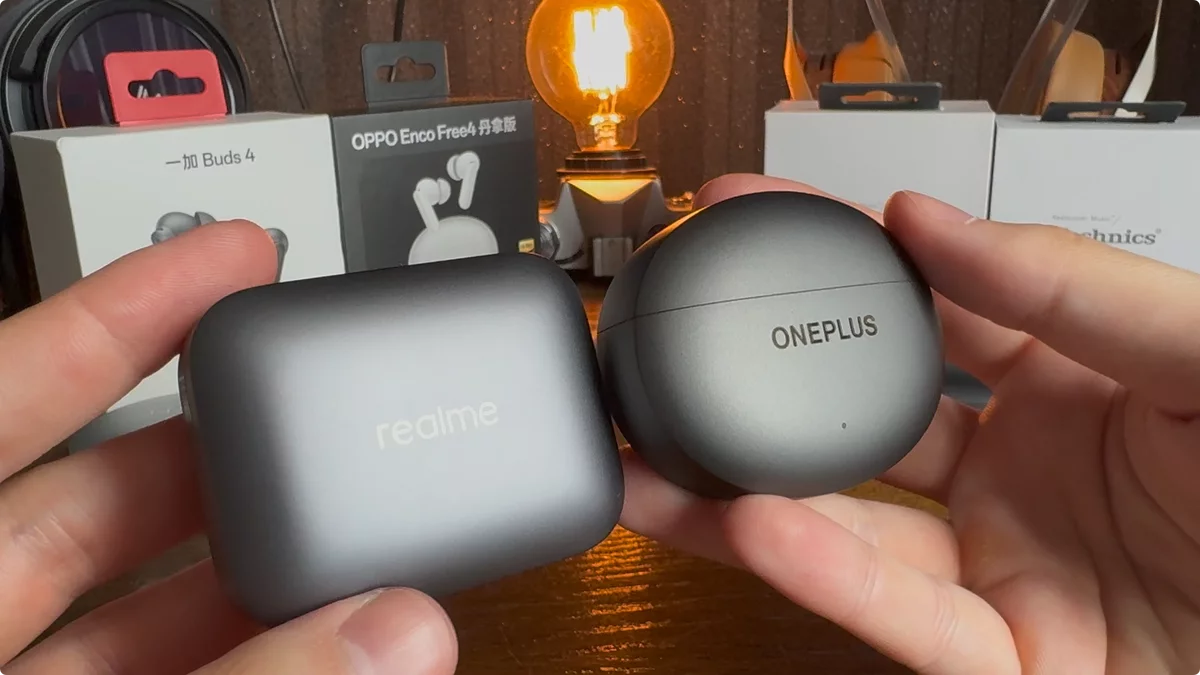
The OnePlus Buds 4, priced at $73, with a potential drop to $59, are definitely a “MyChooz” product – a personal recommendation that I, in fact, purchased myself. These headphones achieved a final score of 8.6 out of 10, which is an impressive score for an excellent product.
When comparing them to Realme, the OnePlus Buds 4 offer a more prominent low-frequency sound. While there might be a slight trade-off in detail, naturalness, and soundstage if you compare them directly, OnePlus truly excels in features. The microphone performance is marginally better, and both ANC and transparency modes slightly outperform Realme’s. Additionally, I preferred the design of the OnePlus Buds 4; they lack the glossy finish and are generally a more comfortable model.
In the end, what to take OnePlus Buds 4, 3, 3 Pro, Realme Buds Air 7 Pro or Huawei Freebuds Pro 4?
If you’re seeking impactful, pumping bass, the OnePlus Buds 4 are definitely your go-to. However, if your preference is for a more detailed, analytical, and natural sound with the highest possible fidelity, then the Realme Buds Air 7 Pro would be your ideal choice.
What would I recommend? It’s a tricky answer, but both the Realme Buds Air 7 Pro and the OnePlus Buds 4 deserve a place in your collection. Thankfully, neither model is excessively expensive.
Consider the Huawei Freebuds Pro 4 if your primary needs are a superior microphone, more advanced ANC, convenient controls, and a particular design aesthetic.
Opt for the OnePlus Buds 4 for activities like walking and street use, thanks to their effective ANC, capable microphone, transparency mode, and suitability for low-frequency music.
Choose the Realme Buds Air 7 Pro for home listening in quieter environments to truly appreciate music and its intricate details, though they also perform well for outdoor listening.
Is the OnePlus Buds 4 Pro worth the wait?
Yeah, absolutely. I expect them to sound even better, especially given the experience with the 3 and 3 Pro. Honestly, for the rest of the year, I’m not really looking for anything else in terms of sound from other brands. Feature-wise, I’m really looking forward to the Apple AirPods Pro 3. We’ll see what happens after that.
Review update: if you’re looking for superior sound, definitely check out the Technics EAH-AZ100.
Be sure to share your thoughts on the new OnePlus Buds 4; I’d love to chat with you in the comments. Wishing you great sound, and catch you on MyChooz, bye!
OnePlus Buds 4 – Features:
- OnePlus Buds 4 release date – 27.05.25
- OnePlus Buds 4 is priced at $63at launch.
- Design: in-canal
- Transducers: 11mm+6mm dual dynamic driver
- Codecs: LHDC, AAC, SBC.
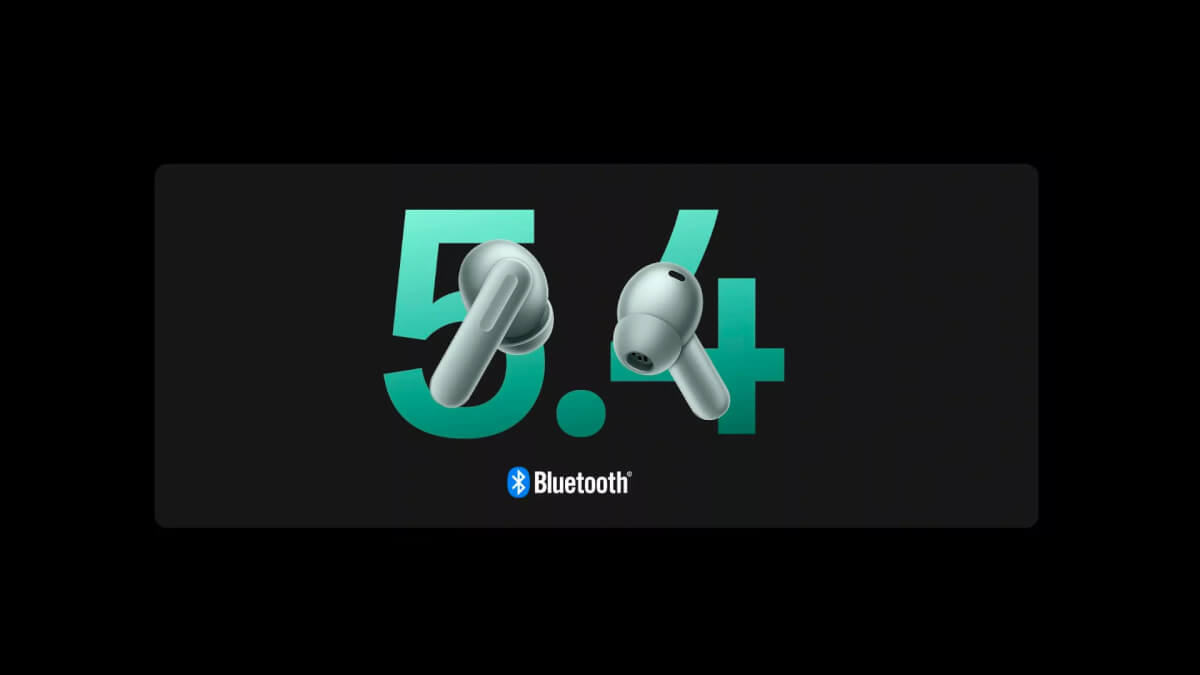
- Bluetooth: 5.4
- Active noise reduction: Yes
- Transparency mode: Yes
- Control: touch screen
- Battery life: claimed 11 hrs/45 hrs with AAC, 9 hrs/37 hrs with LHDC.
- Charging: wired
Charging time: 50 min. headphones, 80 min. case.
Connector: USB-C
Fast charging: - Application: available
- Optional: auto pause, multipoint
- Protection: IP55.
- Materials: plastic, metal.
- Case size: 65.4 mm x 52.4 mm x 25.3 mm.
- Earpiece size: 31mm x 20.6mm x 24.2mm.
- Earpiece weight:
earbuds: ~4.9g each,
charging case: ~39.5 g - Microphone: there are 3 in each earpiece.
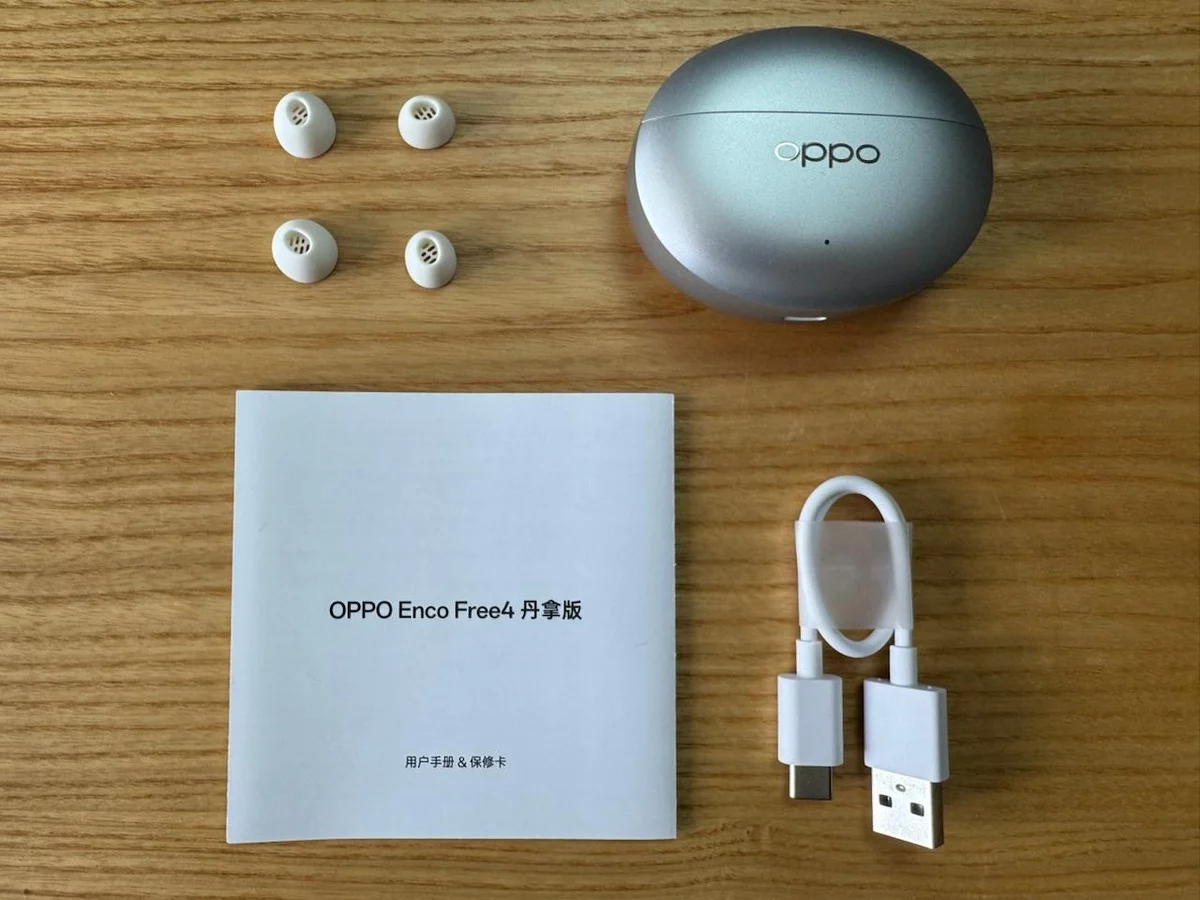
What’s in the box?
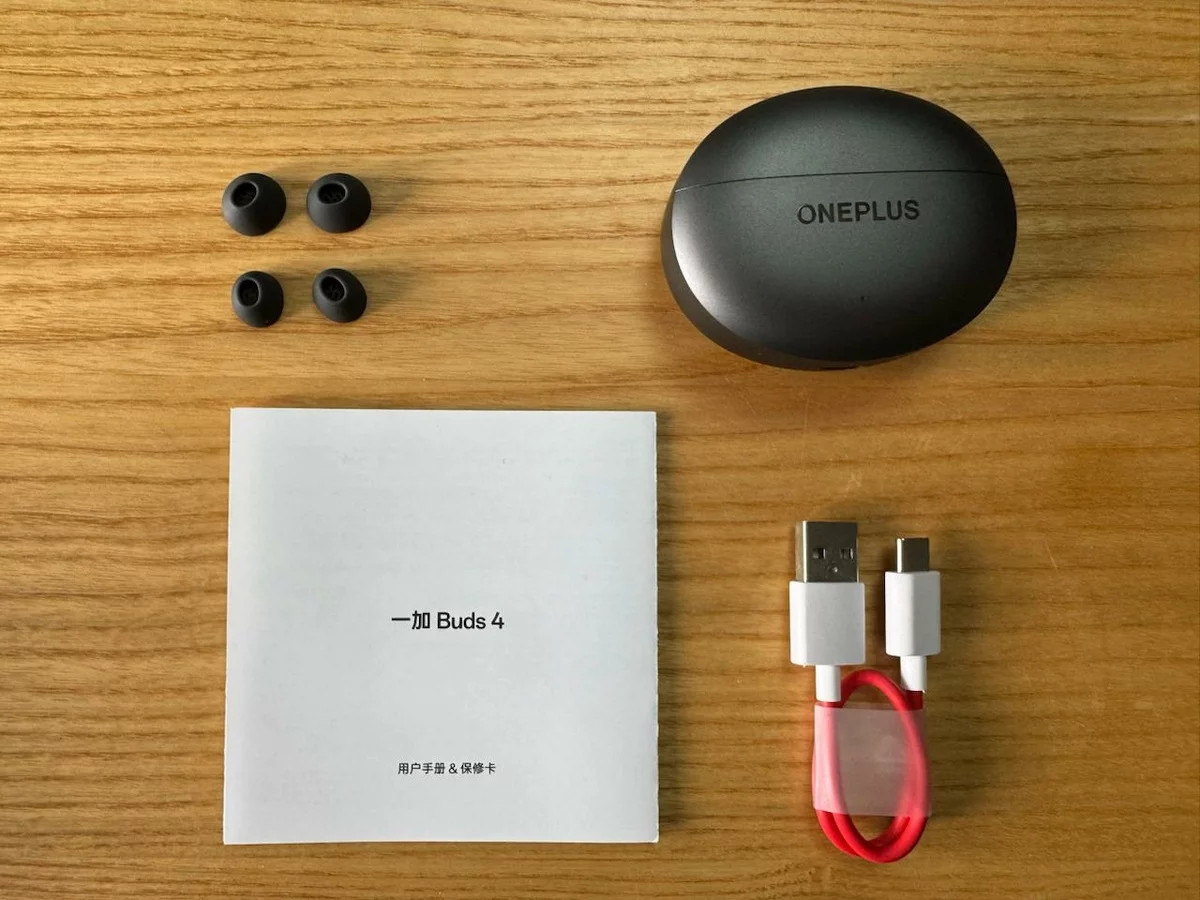
- Headphones
- Charging case
- Ear cushions (S, M, L)
- USB Type-C cable
- Instruction
OnePlus Buds 4 – Popular Questions:
OnePlus Buds 4 – how to connect wireless headphones?
1. Switch to pairing mode: open the case, do not remove the headphones, press the button on the case until the indicator light starts flashing.
2. Go to bluetooth settings, list of devices, at the very bottom will be OnePlus Buds 4.
3. Connect the headphones.
