›Sound Cards3 articles
The best external (USB) and internal discrete sound cards for listening to music, recording, gaming, and more.
3 types of sound cards
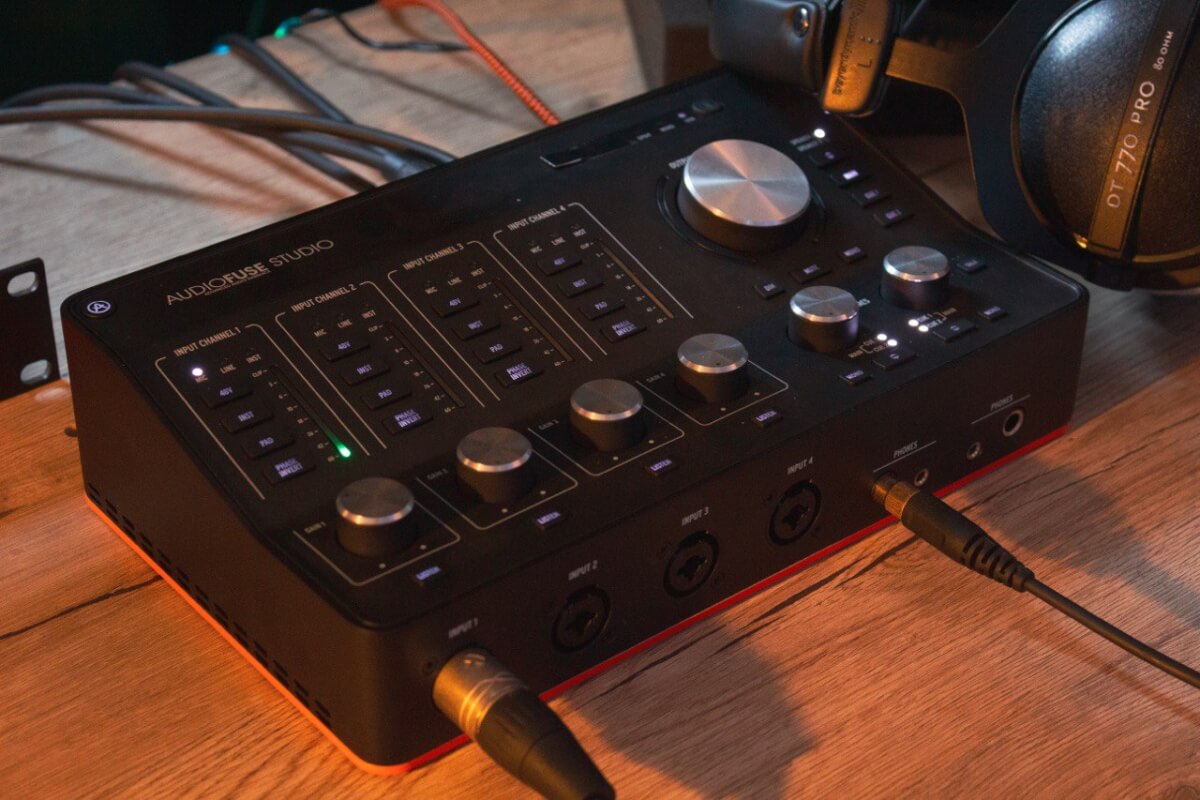
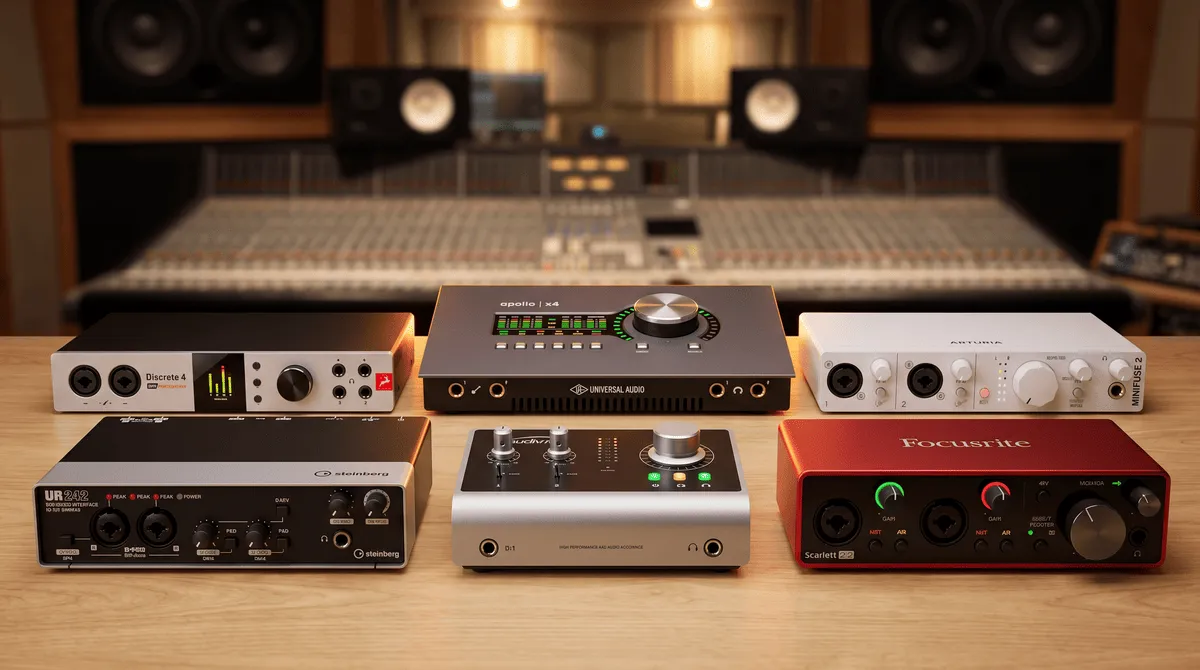
External sound cards – portable and easy to plug in (usually via USB). Best for a laptop. Good for recording instruments and voice at home. Easy to use and transport.
Internal or discrete sound cards – in the form of a board, plugged into the motherboard connector on a desktop PC. Have the least amount of distortion. Suitable for everything from listening to music through high-quality equipment to working with sound.
Integrated or embedded sound cards in the motherboard. The latest ones, for example 2017, have very good quality. For a standard set: music (no frills and high impedance headphones), games and movies. For the average user – the best choice!
What is a sound card for and can I use 2 sound cards at the same time?
Searches for “what is a sound card for” and “is a sound card necessary” exceed more than 1000 pieces in total:-) . I will try to answer them briefly.
A sound card is needed mainly to improve the sound quality of speakers (monitors) or headphones. And then there are dozens of other reasons.
– Can I use 2 sound cards at the same time? – On Win 10 I can only switch between them. So probably not. And why would you want to? Alternate – please.